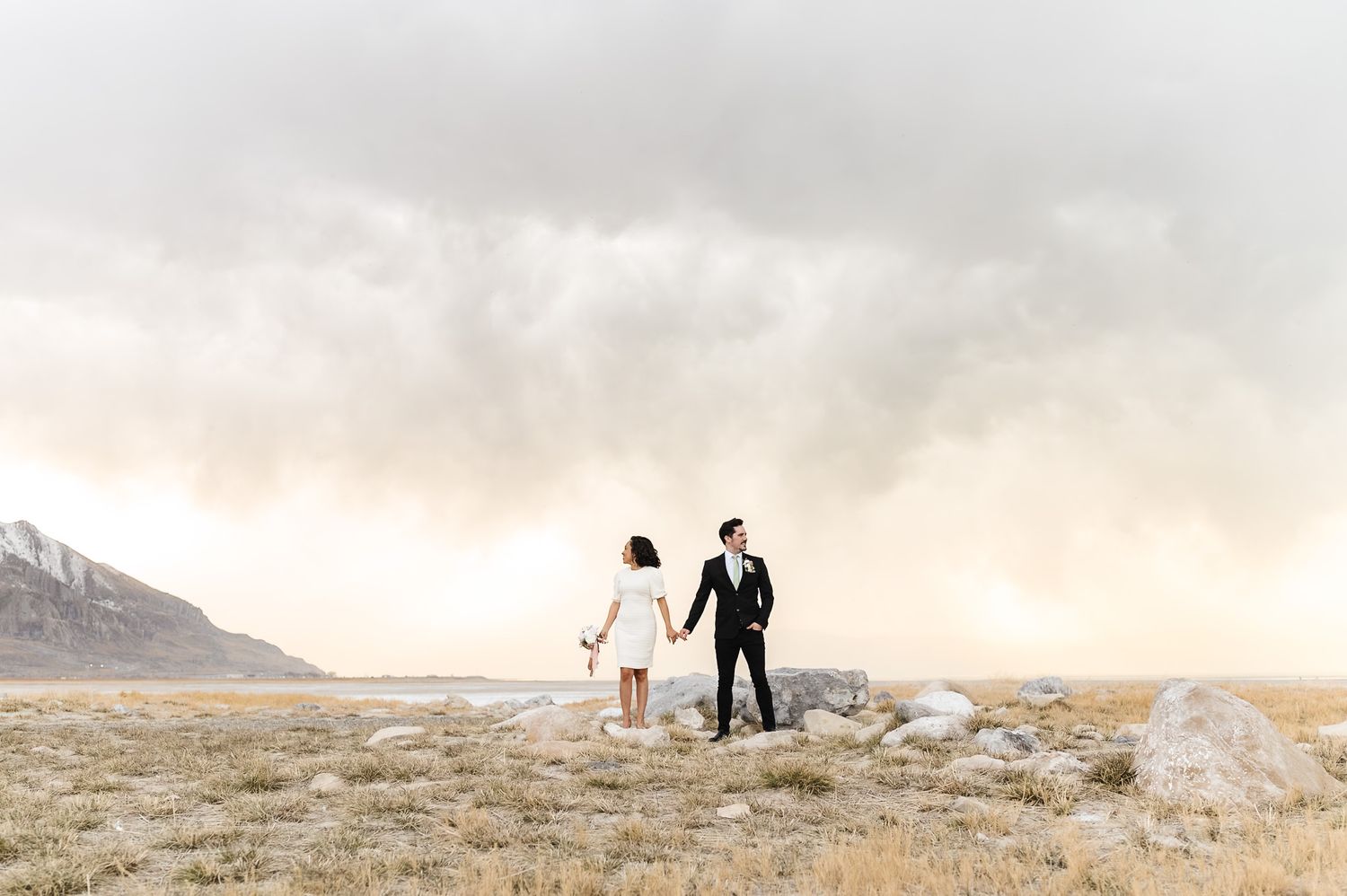
Why I Focus on Getting the Image Right in Camera (Instead of Relying Only on Presets)
One of the biggest misconceptions I see in photography is that presets are the only thing contributing to a photographer’s style.
While presets can absolutely help create consistency and speed up your workflow, they’re only one piece of the puzzle.
The truth is that most of my editing style is created before I ever open Lightroom.
Your Camera Settings Matter More Than Your Preset
When photographers see a finished image, they often focus on the edit.
But long before Lightroom enters the picture, I’m thinking about:
- Light direction
- White balance
- Exposure
- Positioning my subjects
- Background color casts
- How the final image will edit
Every decision I make during a session affects the final result.
A preset can help refine an image—it can’t replace strong capture techniques.
But what those decisions look like in real situations is where everything really starts to come together.
How In-Camera Decisions Shape the Final Image
A big shift in my photography happened when I started paying closer attention to how much of the final image is determined before I ever open Lightroom.
Things like light direction, exposure, white balance, and subject positioning all play a major role in how an image will edit later. When those decisions are intentional, editing becomes so much easier and more about refining what’s already there. When they’re not, you end up fixing things in post instead of enhancing them.
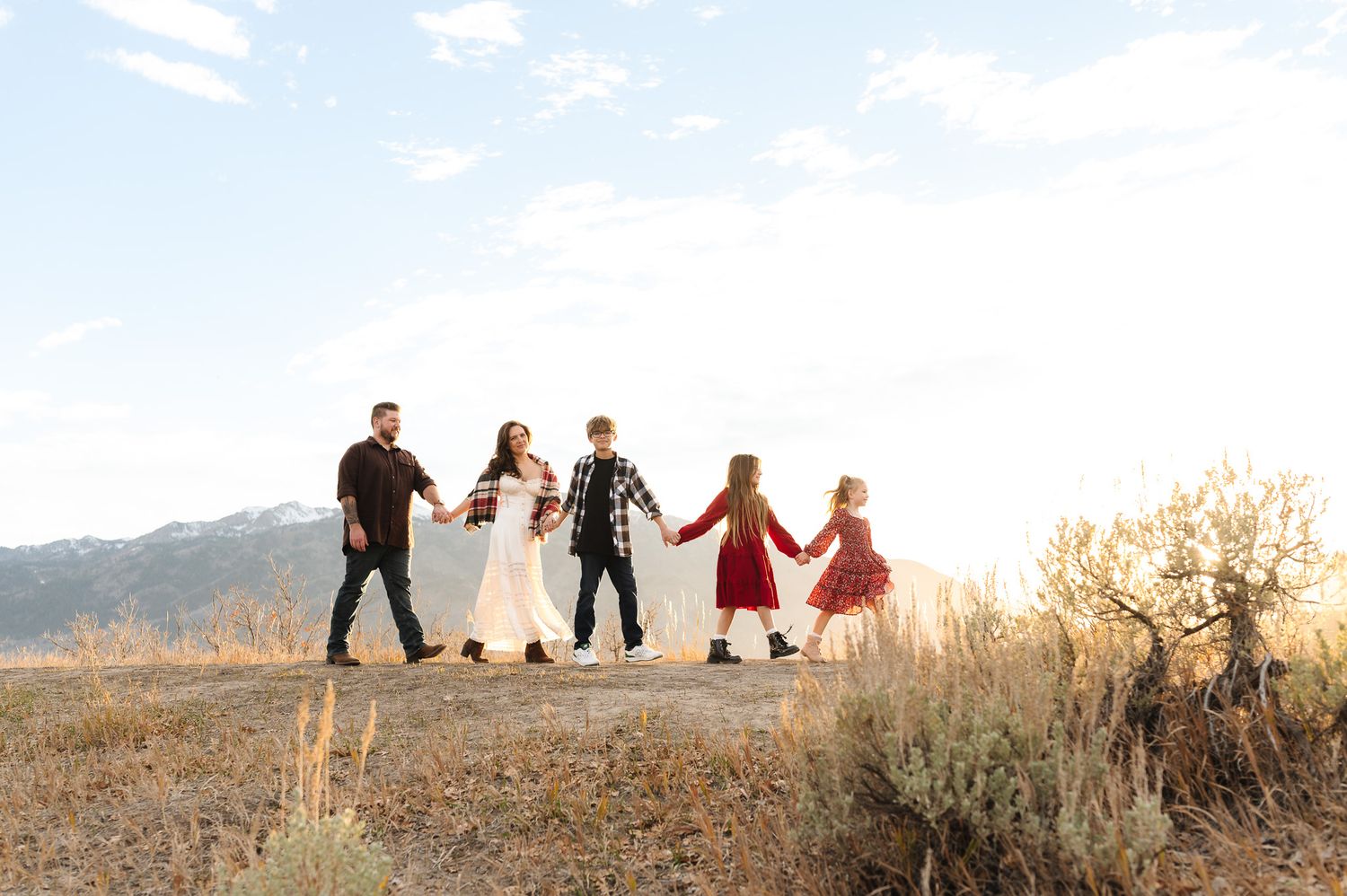
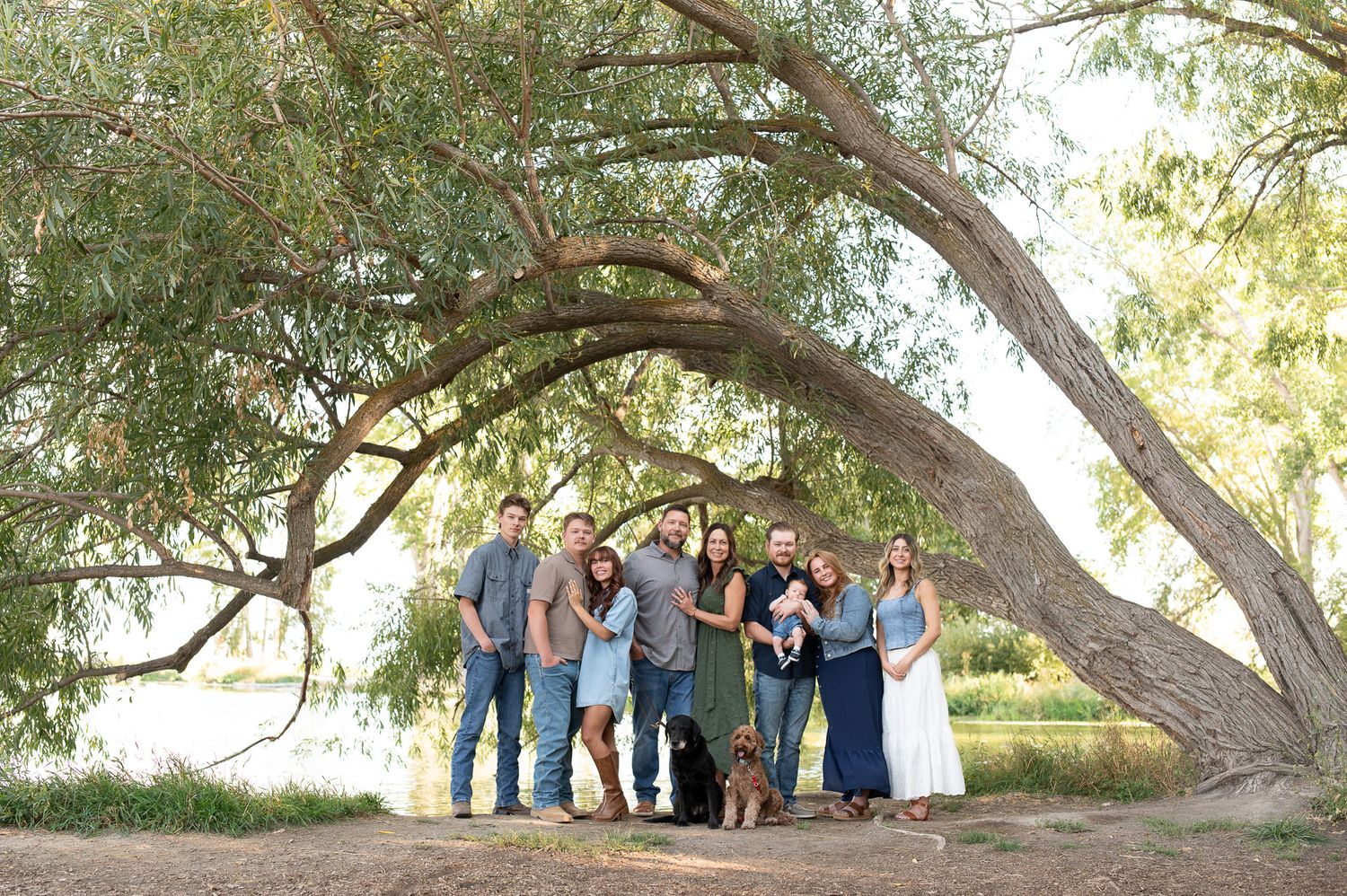
In harsh sunlight, I focus on protecting highlights and carefully positioning my subject to reduce extreme contrast or uneven shadows. These small adjustments in the moment make a huge difference in how natural skin tones look later.
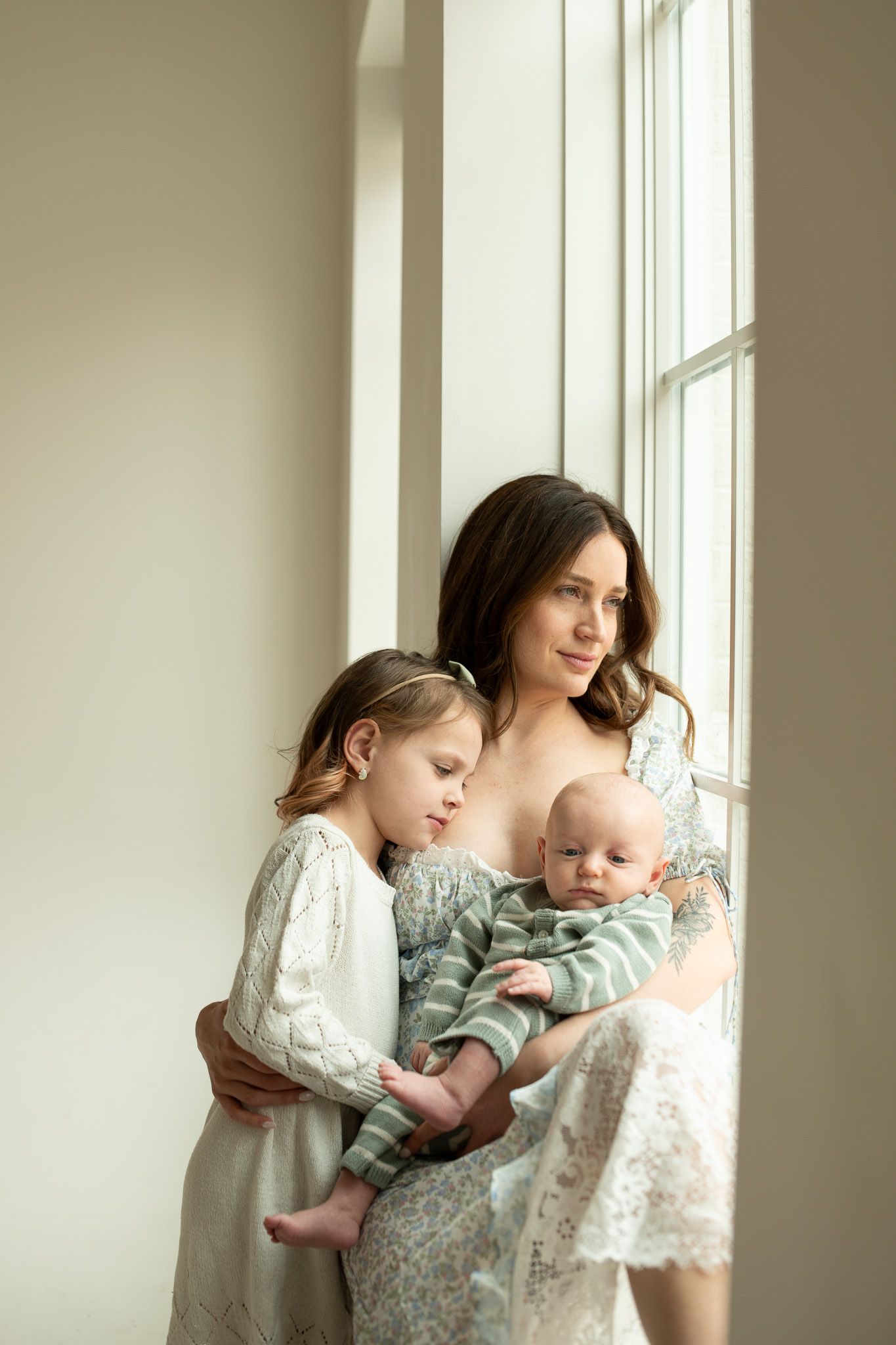
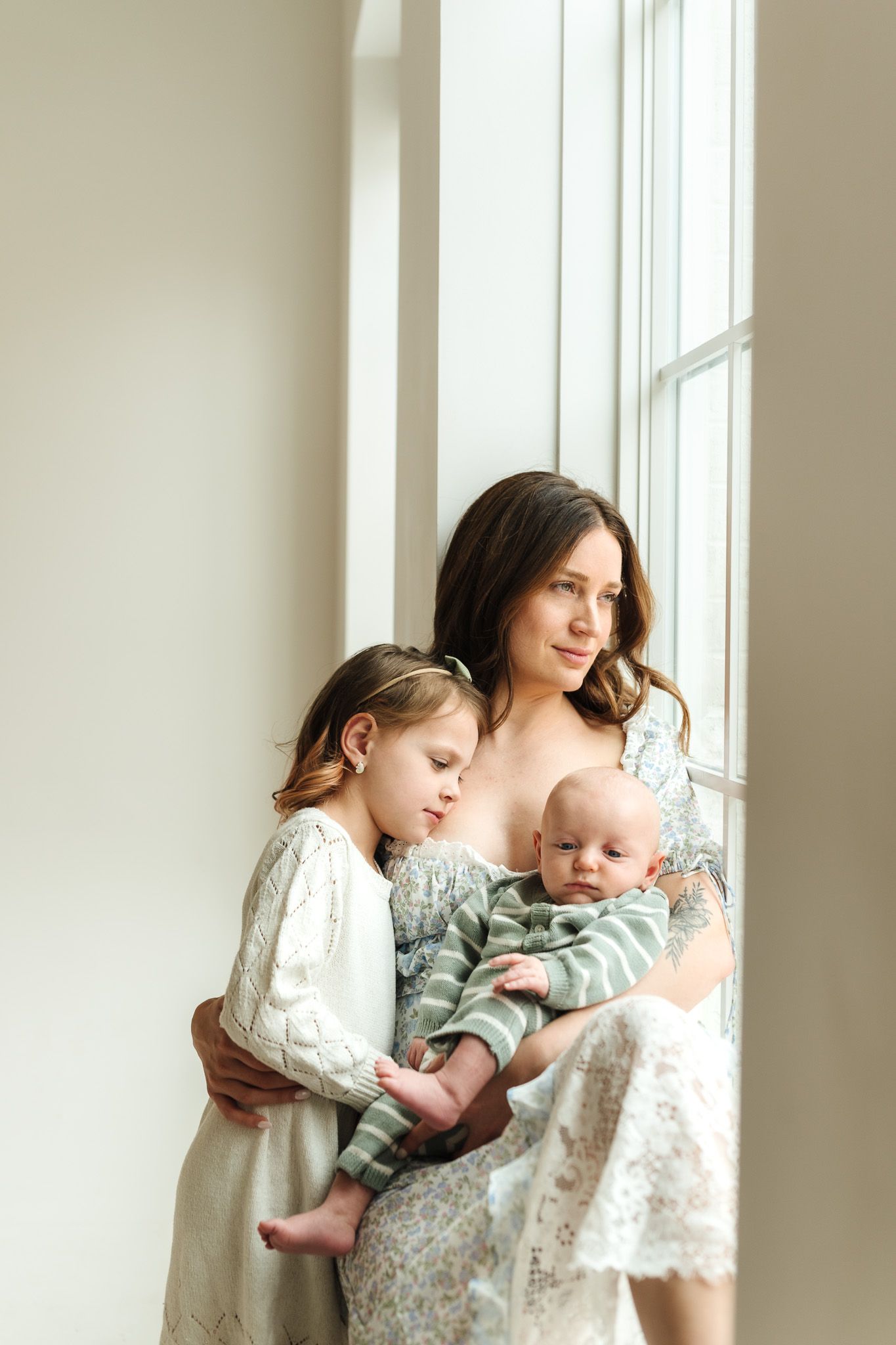
In indoor or mixed lighting, I’m thinking about how multiple light sources will affect color. Getting white balance as close as possible in-camera helps create a more consistent starting point before any editing begins.
In backlit situations, I prioritize exposing for my subject rather than the background. That choice alone often determines whether the image feels balanced straight away or requires heavy lifting in post.
These aren’t separate fixes that happen later—they’re decisions made in real time. And over time, I’ve learned that the more intentional I am in-camera, the more consistent and simple my editing process becomes.
Why I Don't Depend on Presets
I love presets.
I created my own because they save me hours of editing every week.
But I never want to only depend on them.
Lighting Is Always Changing
No two sessions are identical.
Cloud cover changes.
Sun position changes.
Indoor lighting changes.
Reflections from grass, trees, walls, and clothing all affect color.
A preset can’t predict every lighting scenario perfectly.
That’s why photographers who expect a one-click edit often end up frustrated.
Fixing Everything Later Takes Longer
When an image is captured intentionally, editing becomes simple.
When an image is captured carelessly, editing becomes a rescue mission.
I’ve found it’s far more efficient to spend a few extra seconds adjusting:
- Kelvin
- Tint
- Exposure
- Subject positioning
during the session than spending hours correcting problems afterward.
Consistency Starts Behind the Camera
When photographers struggle with consistency, it’s often not an editing issue.
It’s a capture issue.
If every image starts with a different white balance, exposure, or lighting situation, you’ll constantly be chasing consistency in Lightroom.
Once I started shooting with my final edit in mind, my galleries became significantly more cohesive.
What I Actually Use Presets For
This surprises people, but I don’t use presets to create my style.
I use them to maintain it.
My presets were built from thousands of edits across:
- Harsh sunlight
- Open shade
- Snow
- Indoor sessions
- Overcast days
They’re designed to give me a consistent starting point based on the lighting conditions I encounter most often. They’re especially helpful when lighting is challenging or inconsistent, and I need to get to a clean base quickly.
Instead of starting from scratch on every image, I can begin with a foundation that already moves the image in the direction I want - then I make adjustments as needed.
If you want to explore them, they’re available here.
The Goal Isn't Perfection
The goal isn’t to capture an image so perfectly that it never needs editing.
The goal is to capture it well enough that editing becomes refinement rather than correction.
That’s a huge difference.
When photographers rely entirely on presets, they’re often asking Lightroom to solve problems that would have been easier to address during the session.
When photographers learn to understand light, exposure, white balance, and color, presets become what they’re meant to be:
A tool—something that supports their workflow, not something they depend on completely.
My Approach Today
Every image I create starts with the same approach:
- Get as close as possible in camera.
- Refine in Lightroom.
- Maintain consistency with presets.
- Make small adjustments based on the unique lighting conditions of each session.
That’s the process that allows me to create the bright, clean, true-to-color galleries I’m known for while keeping my workflow efficient and consistent.
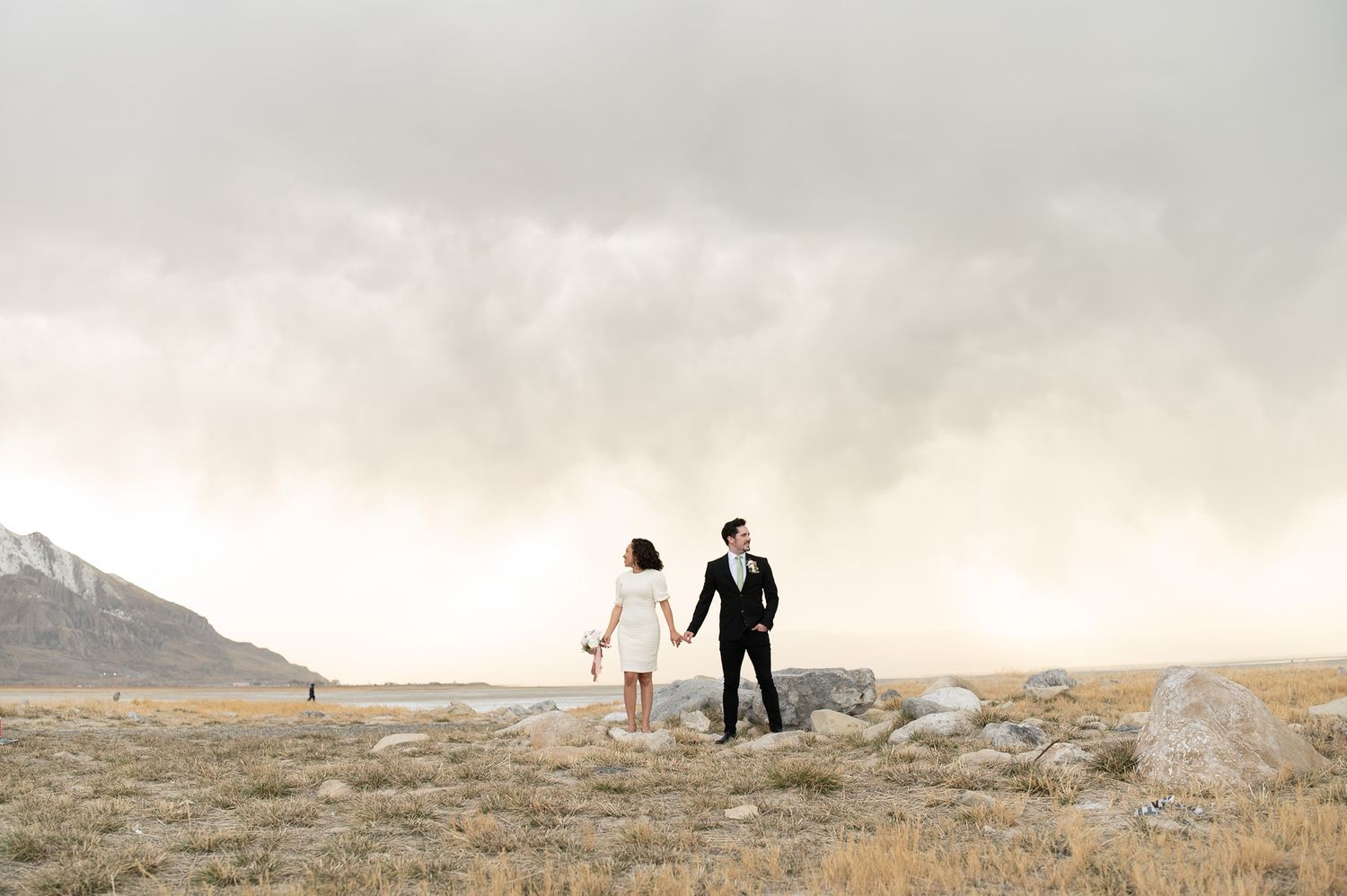
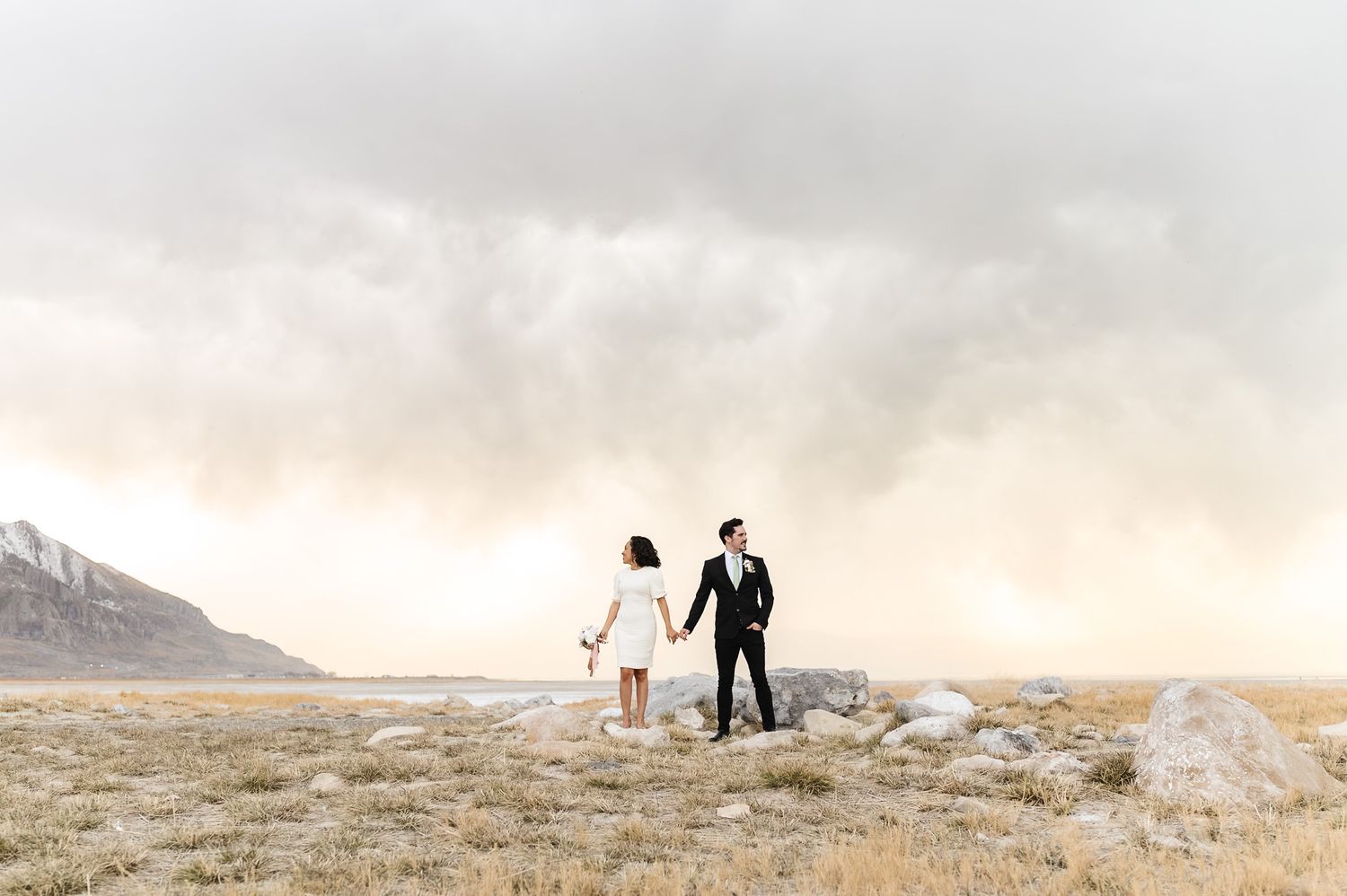
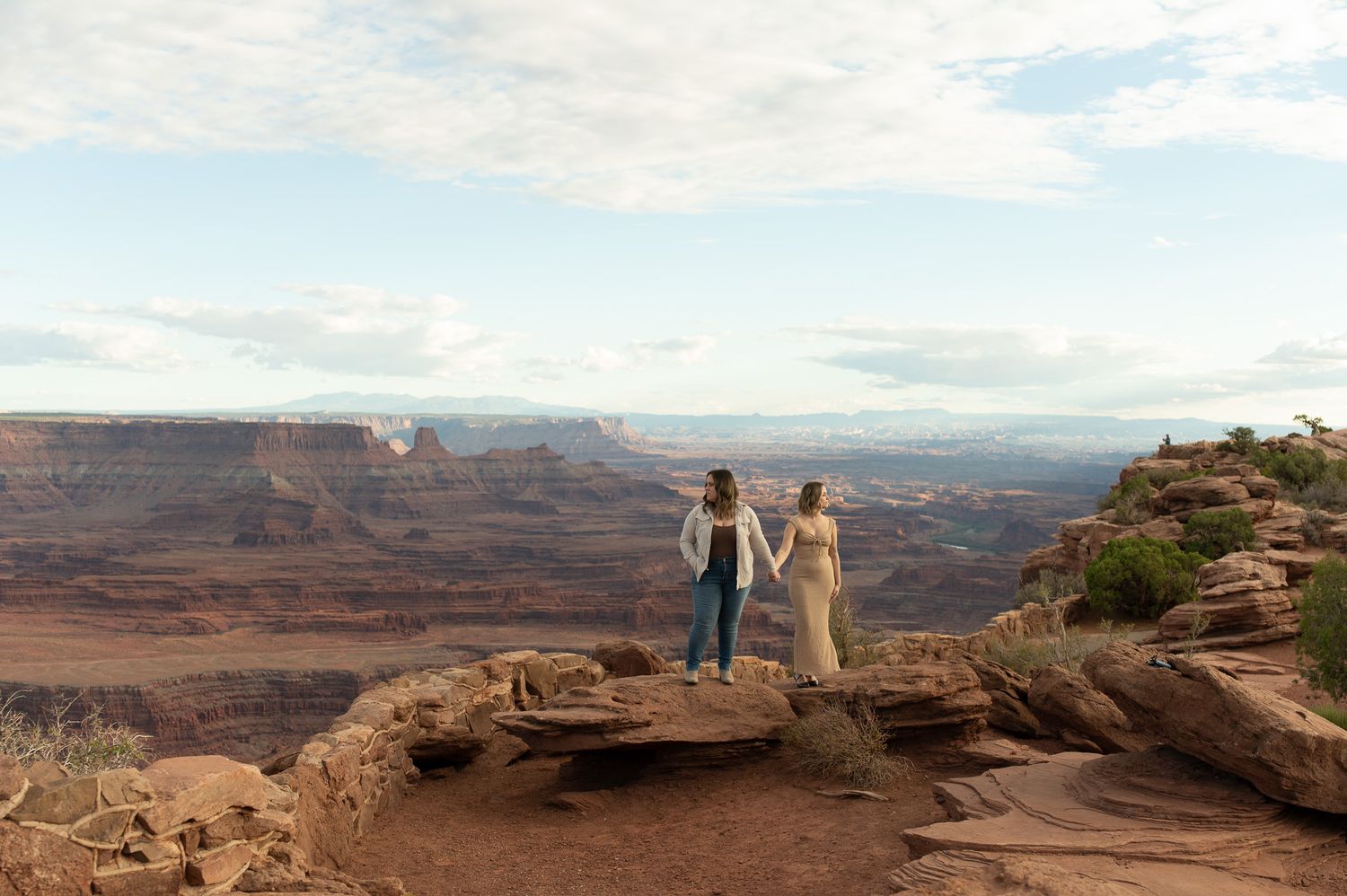
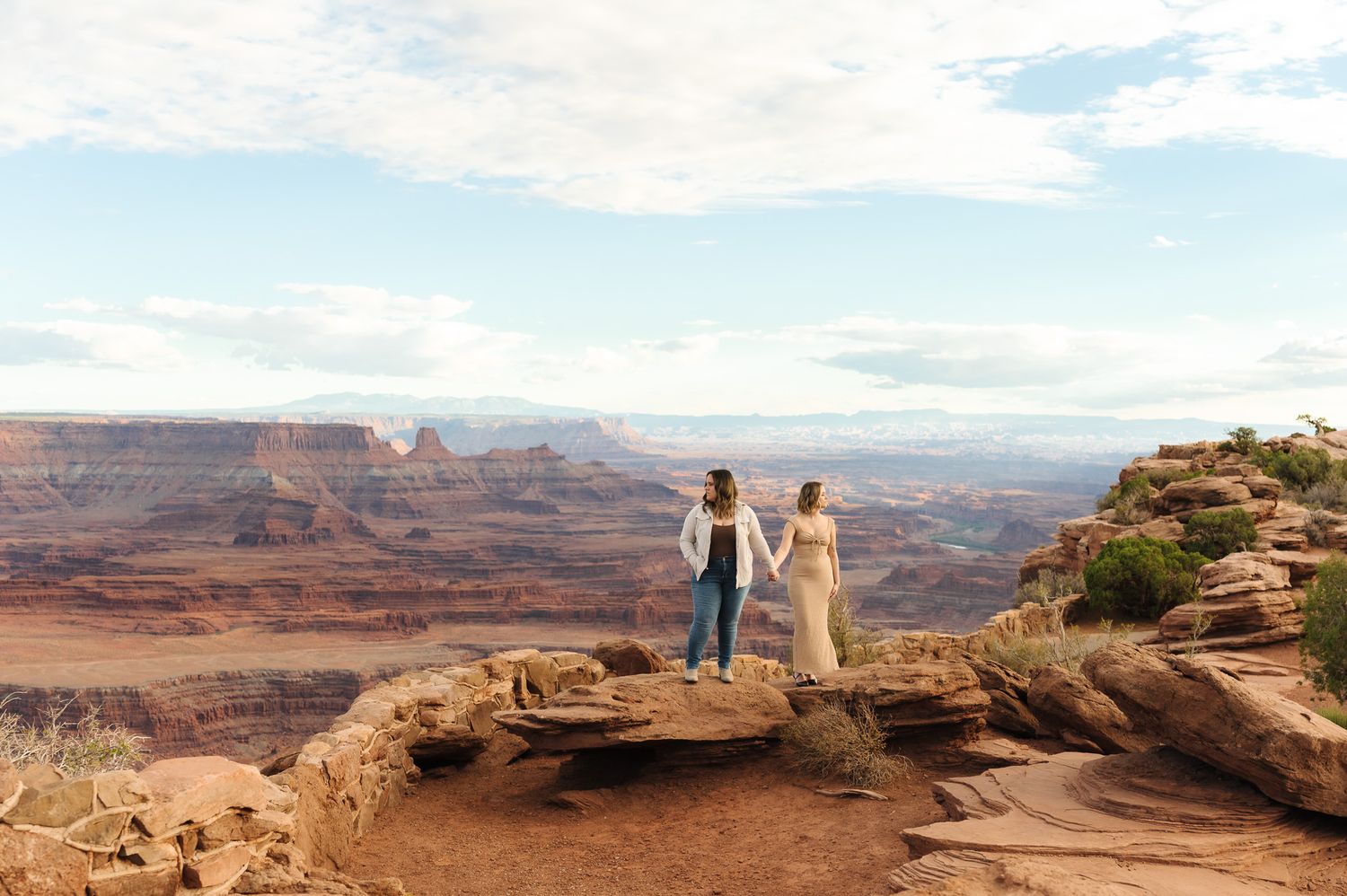
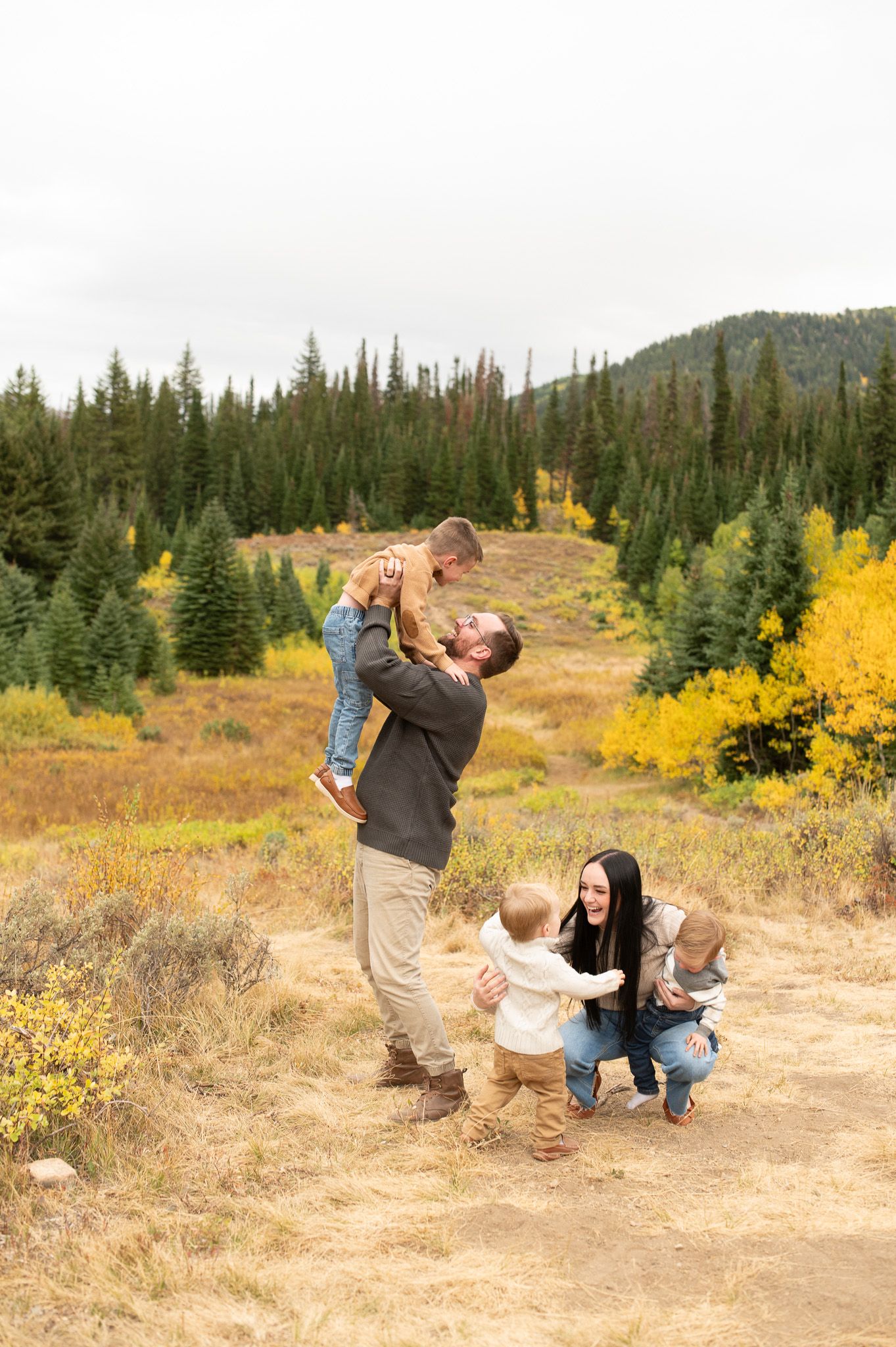
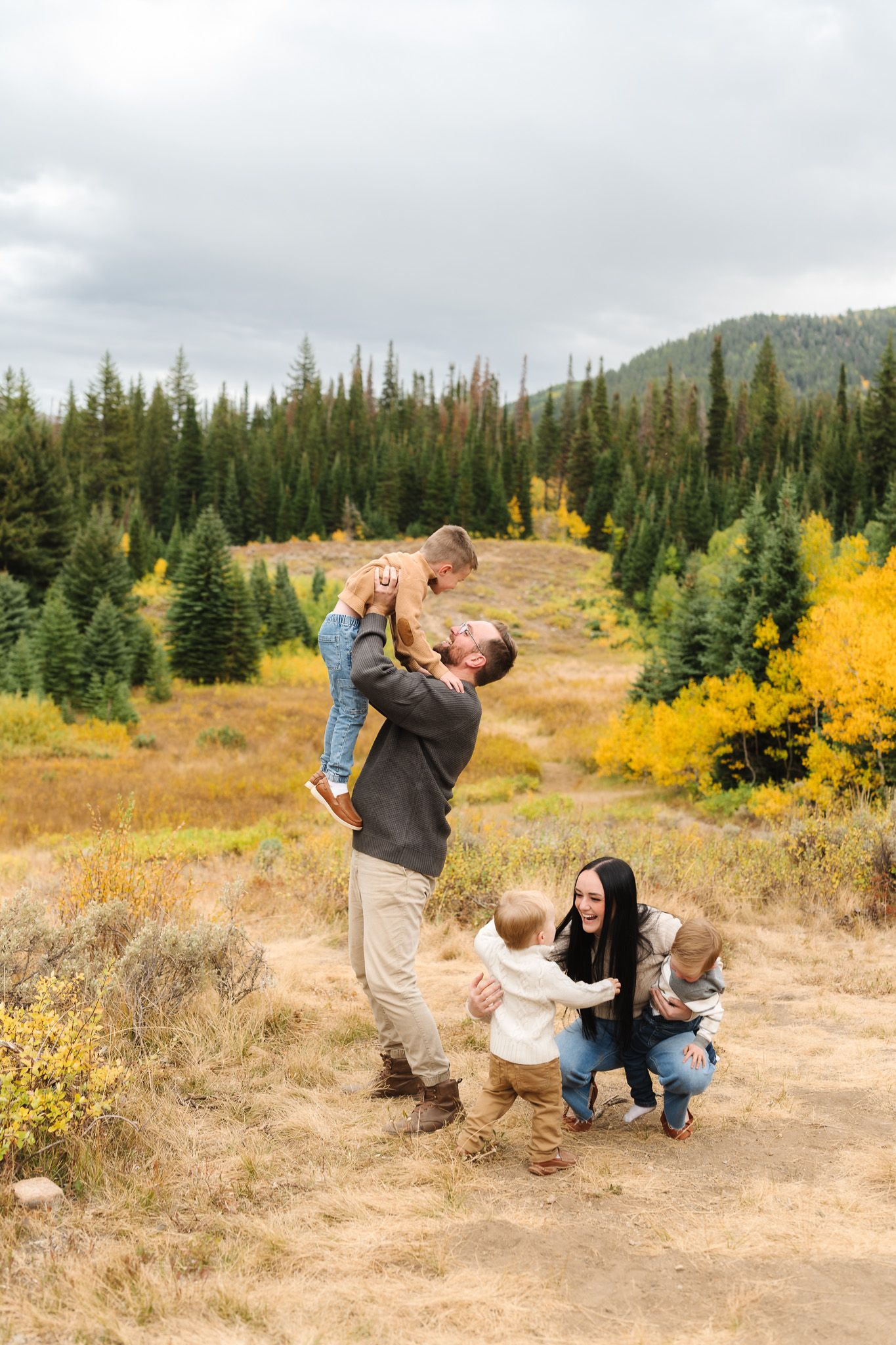
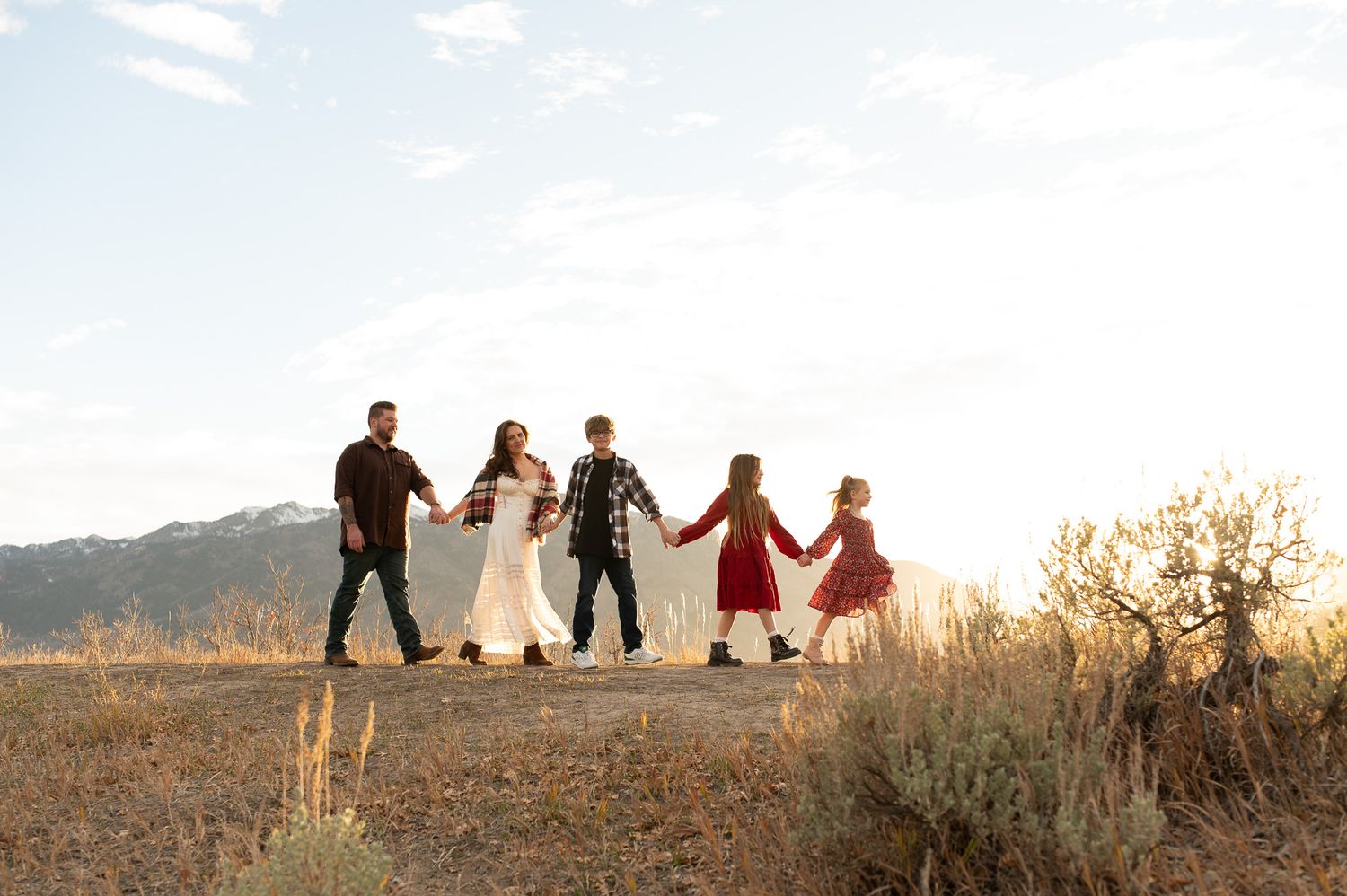
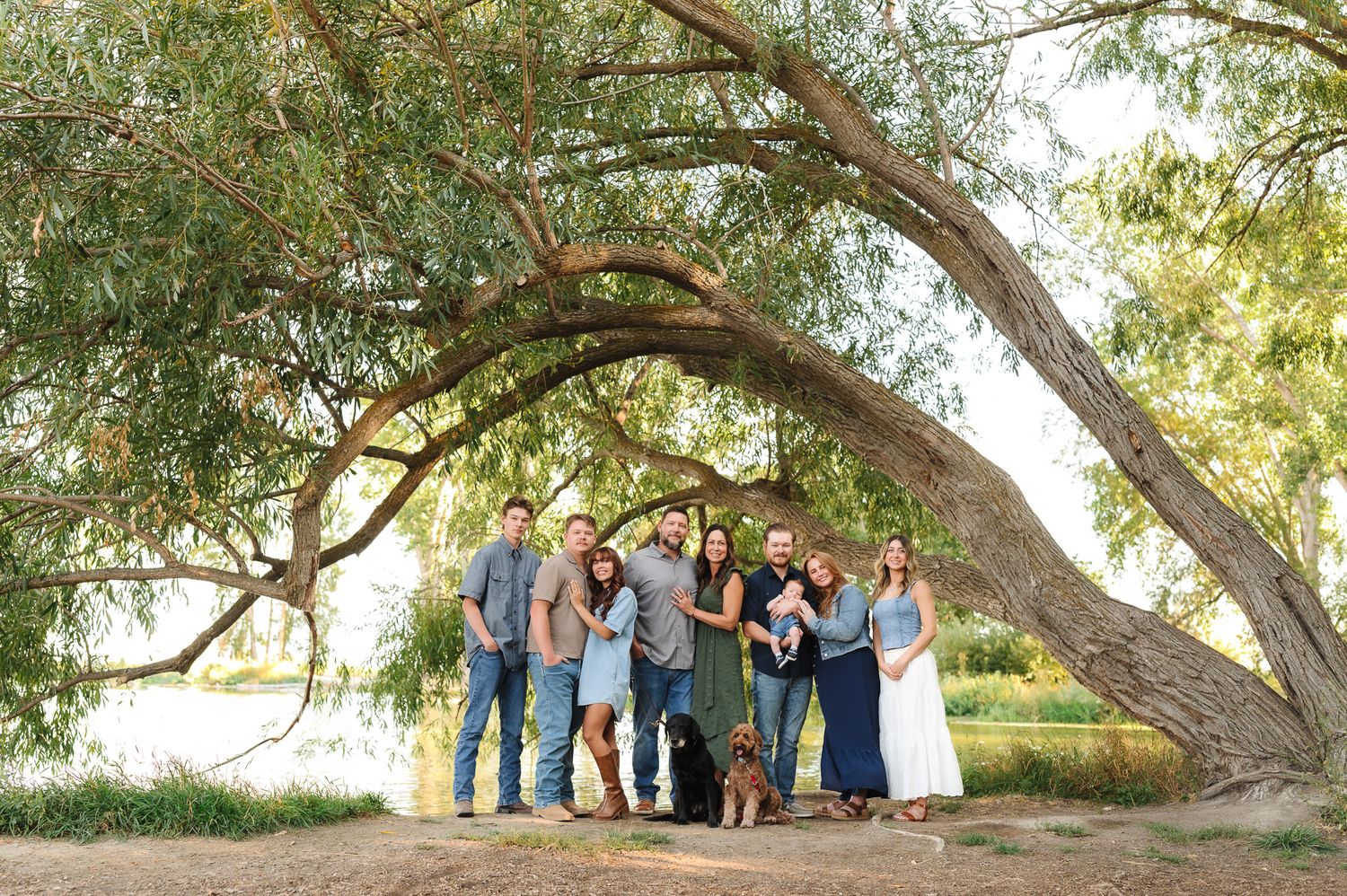
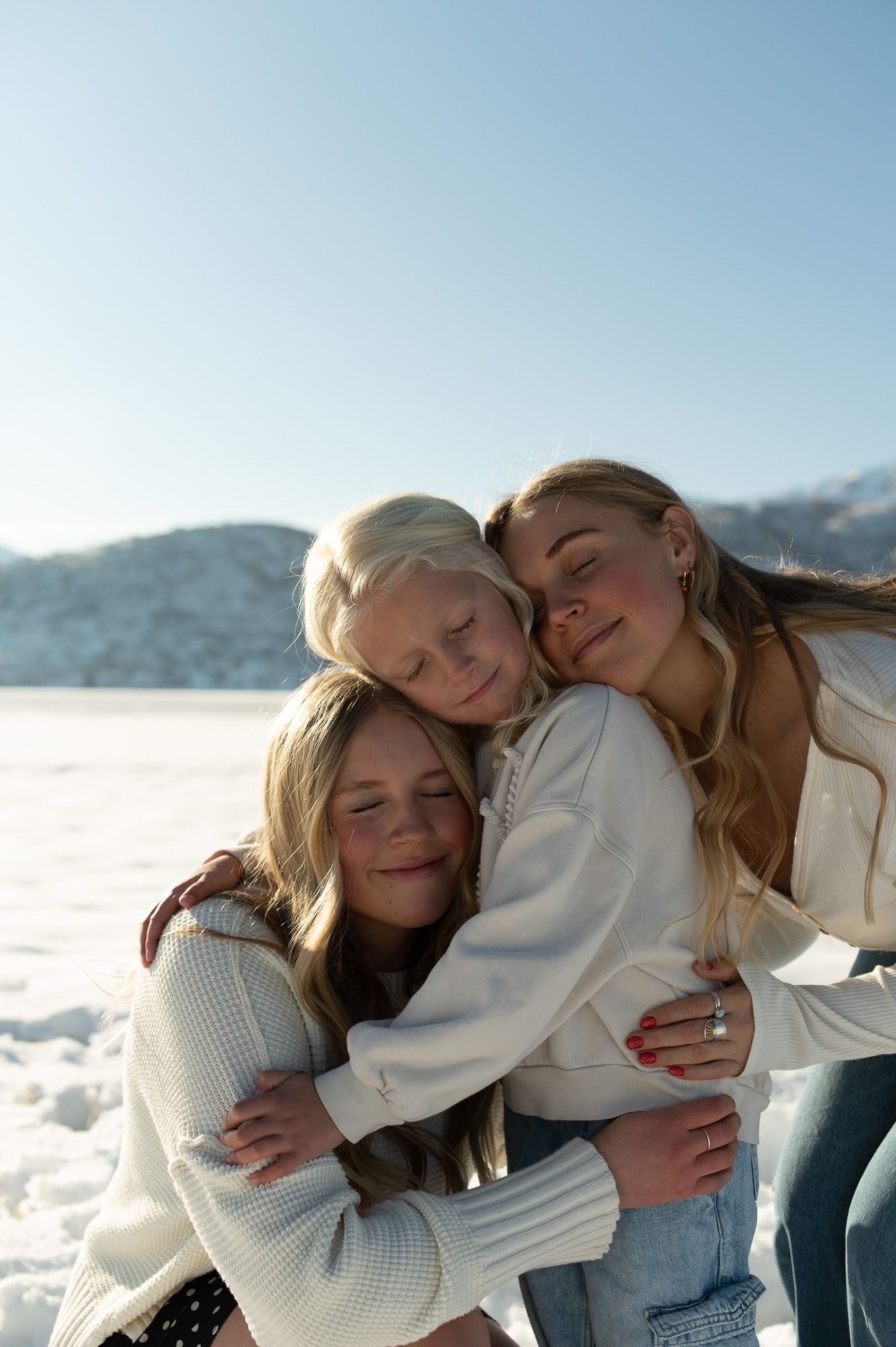
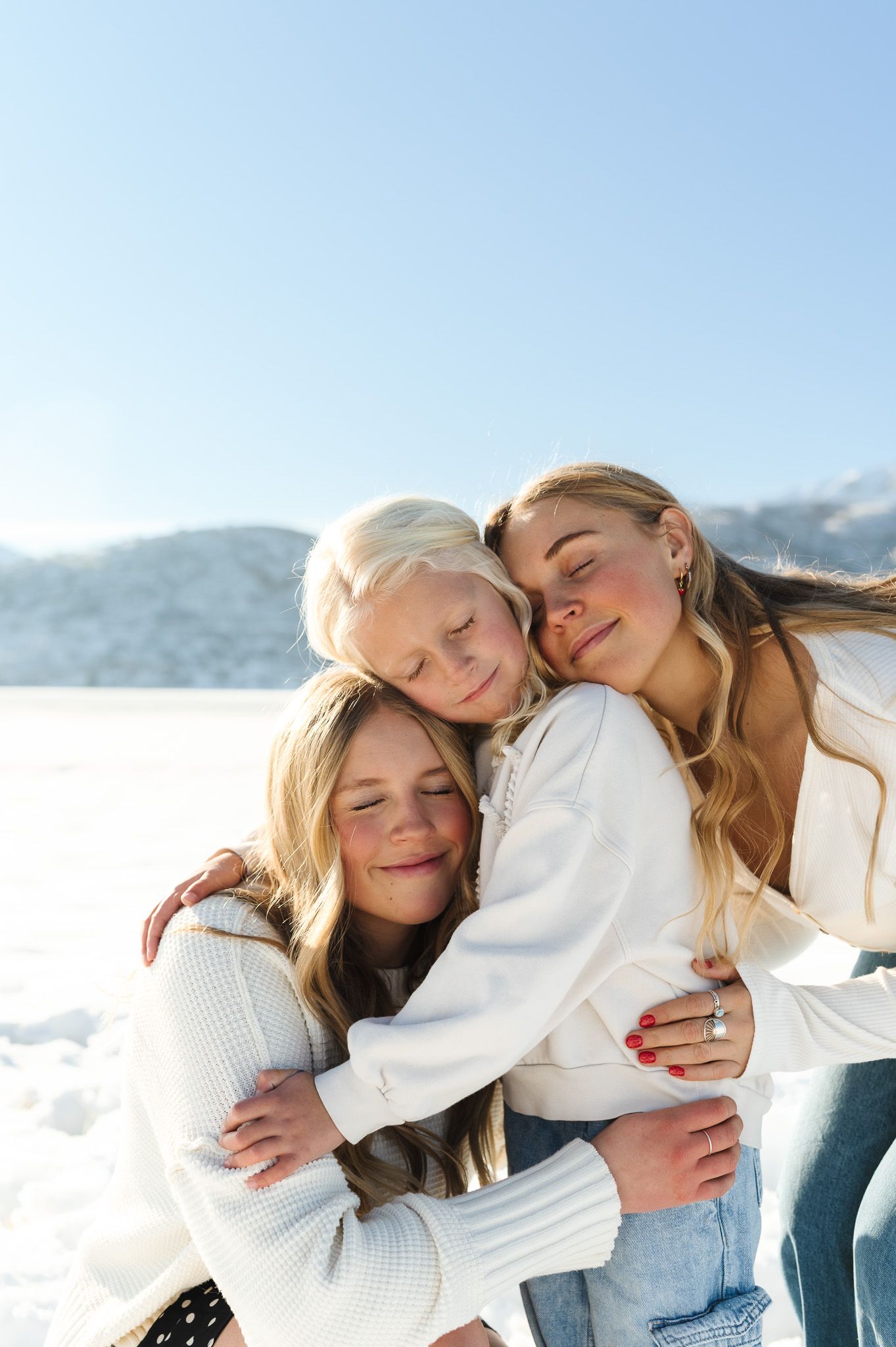
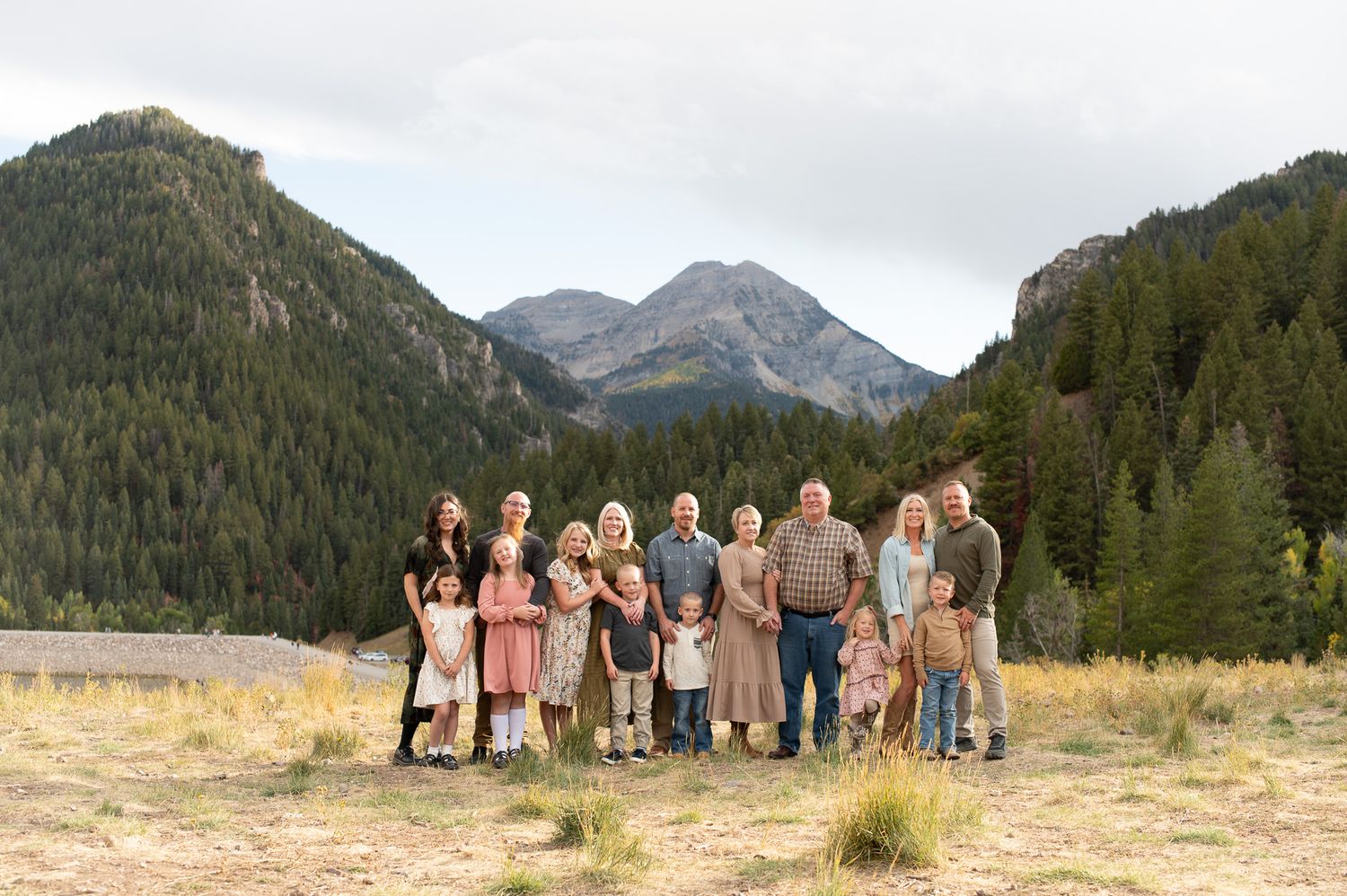
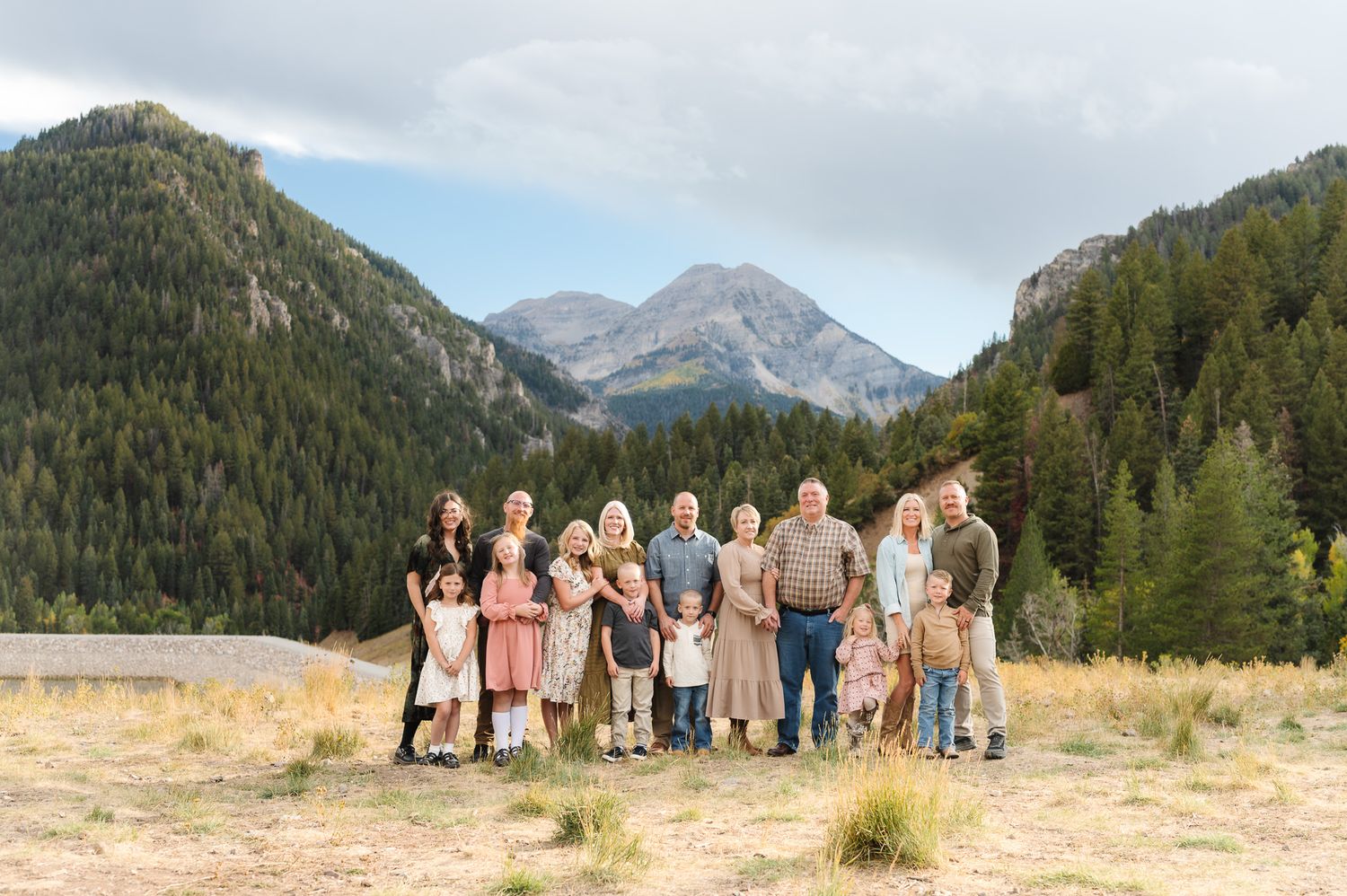
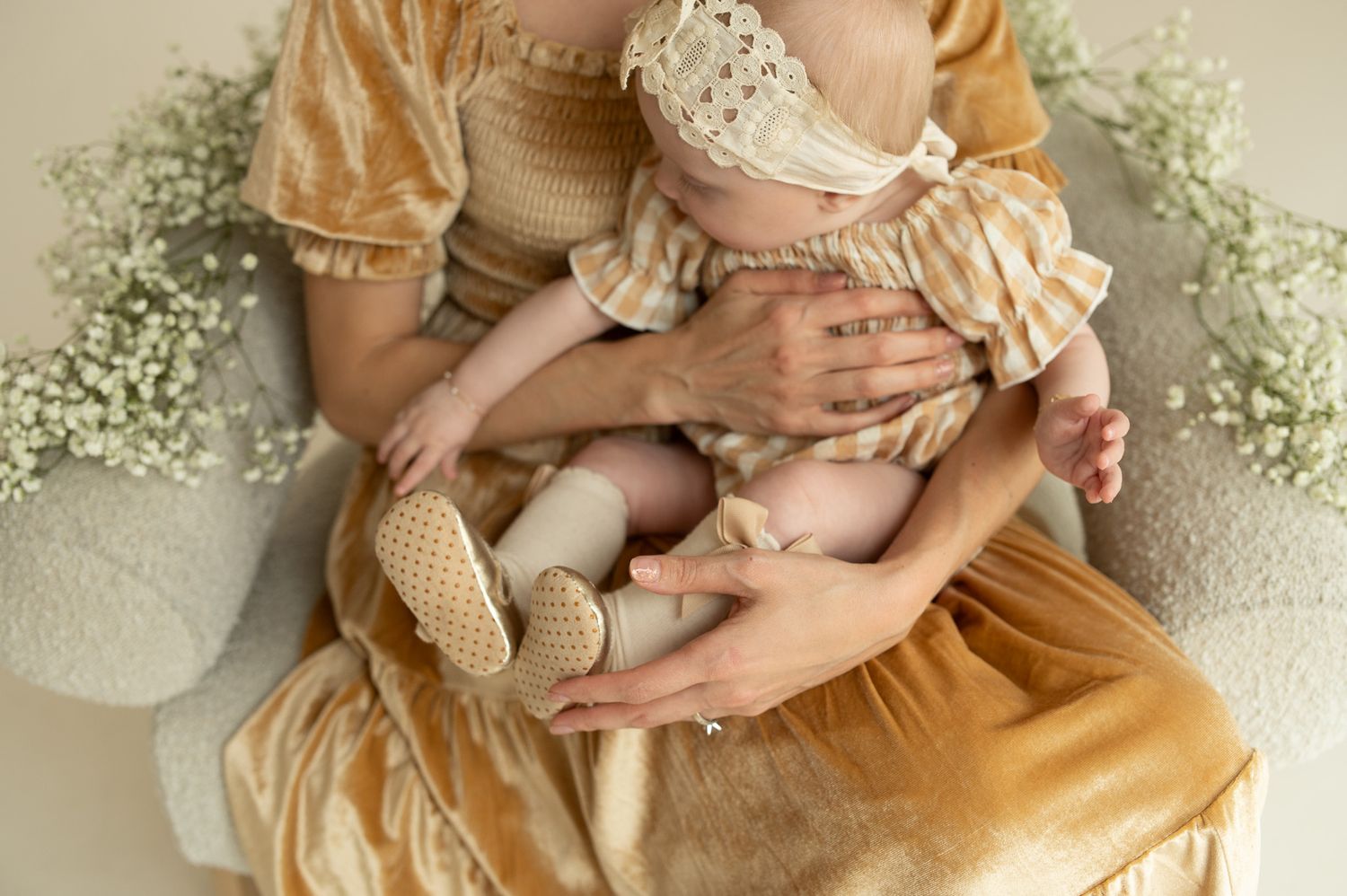
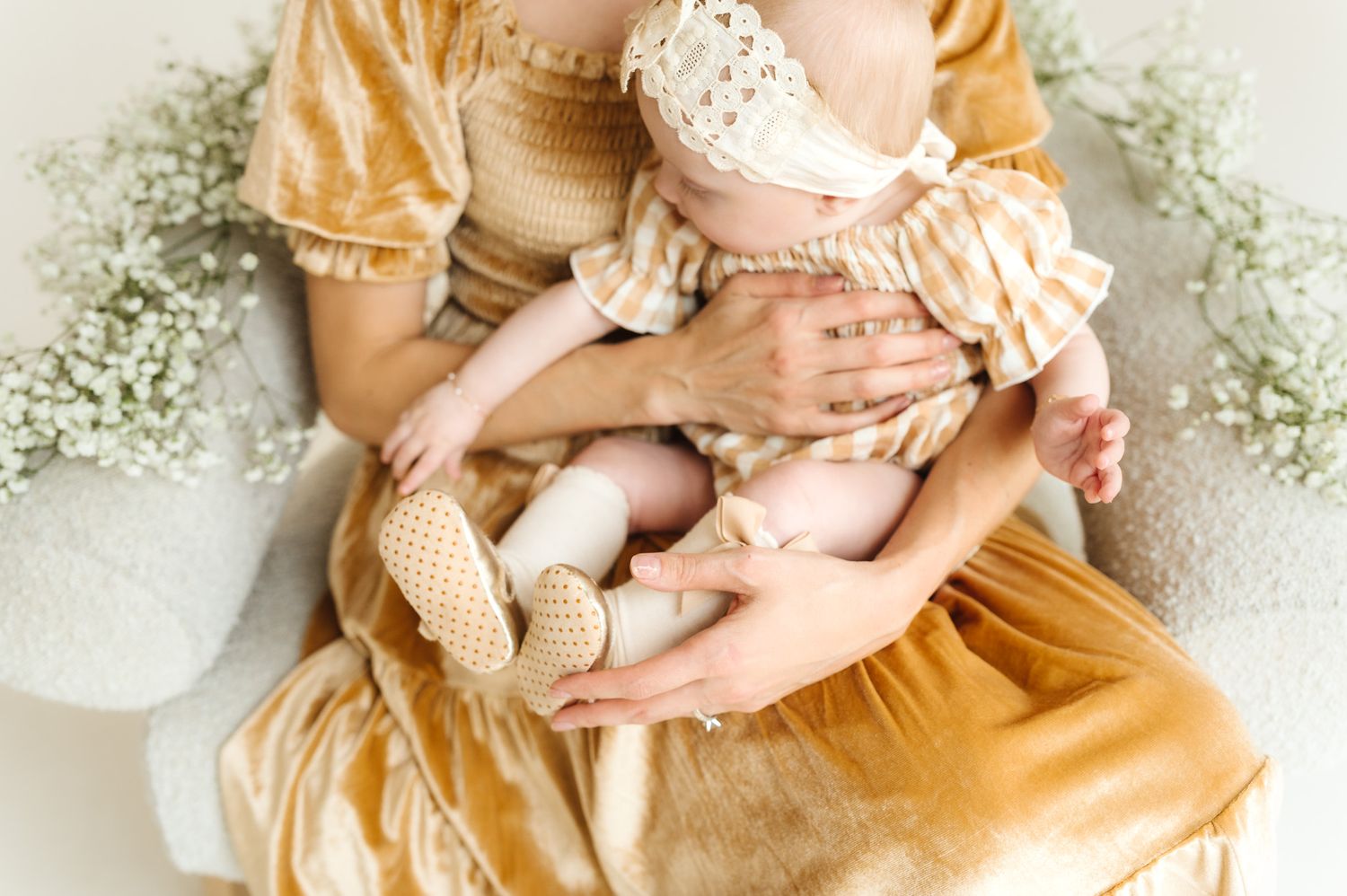
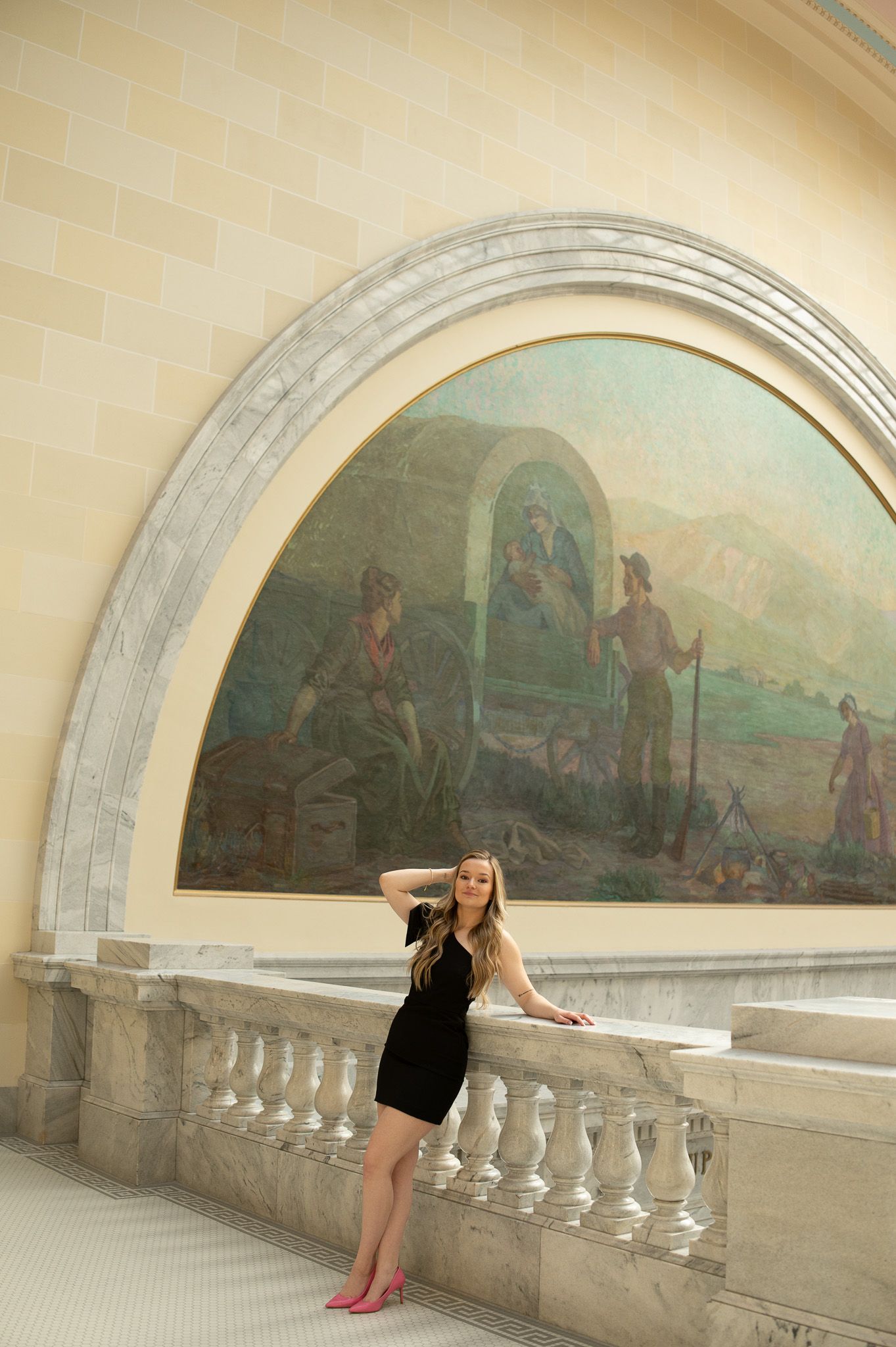
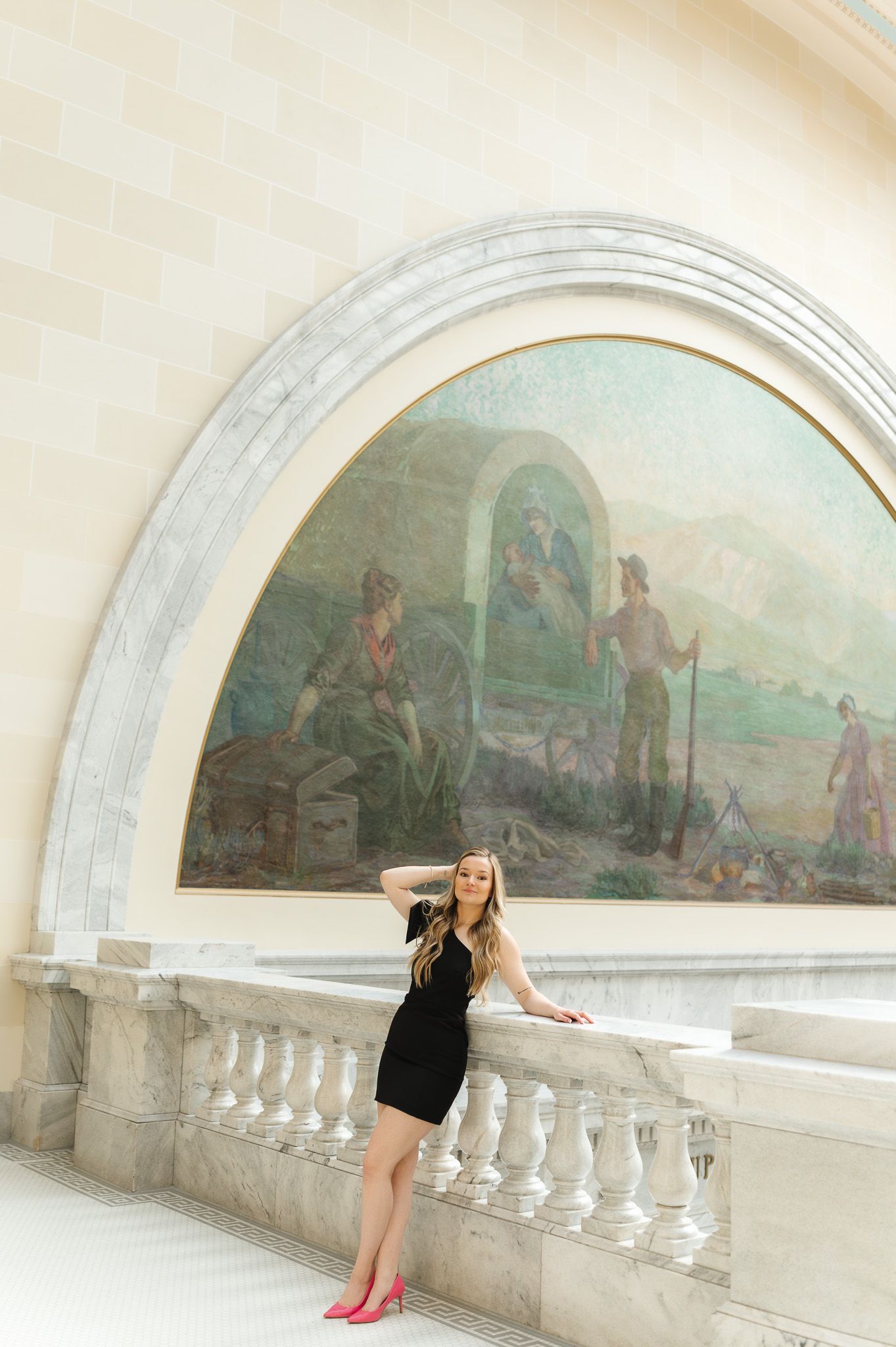
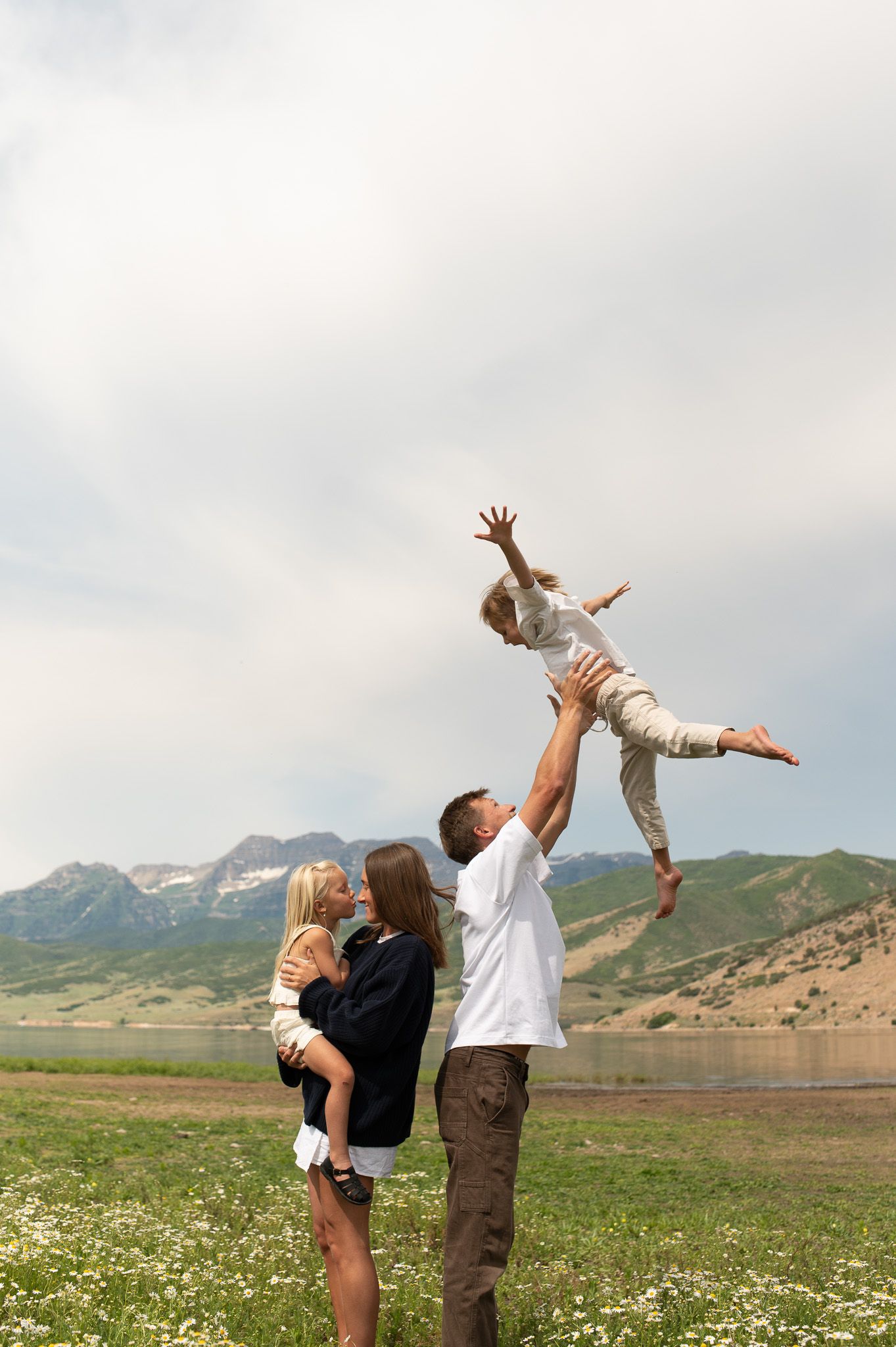

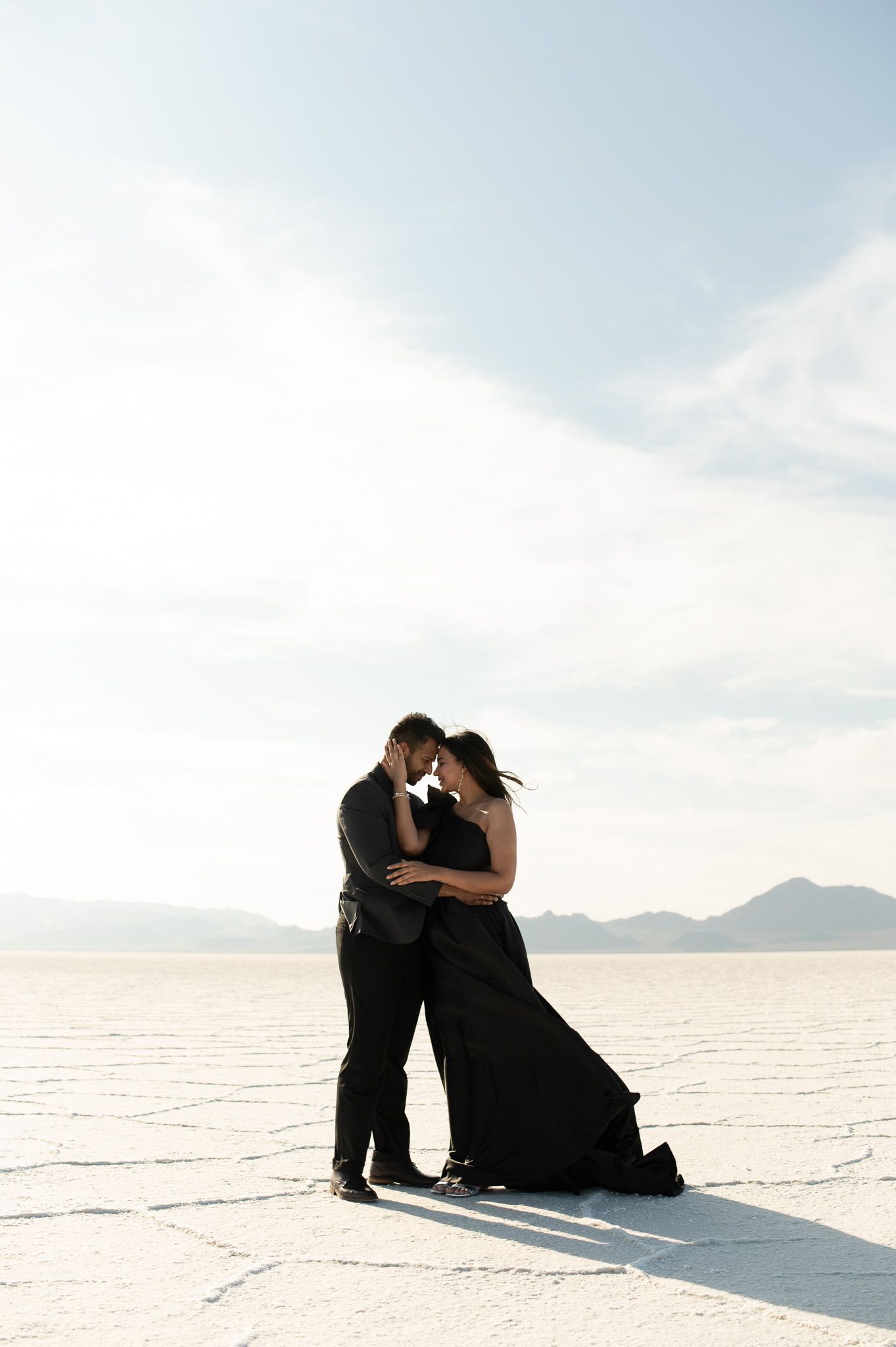
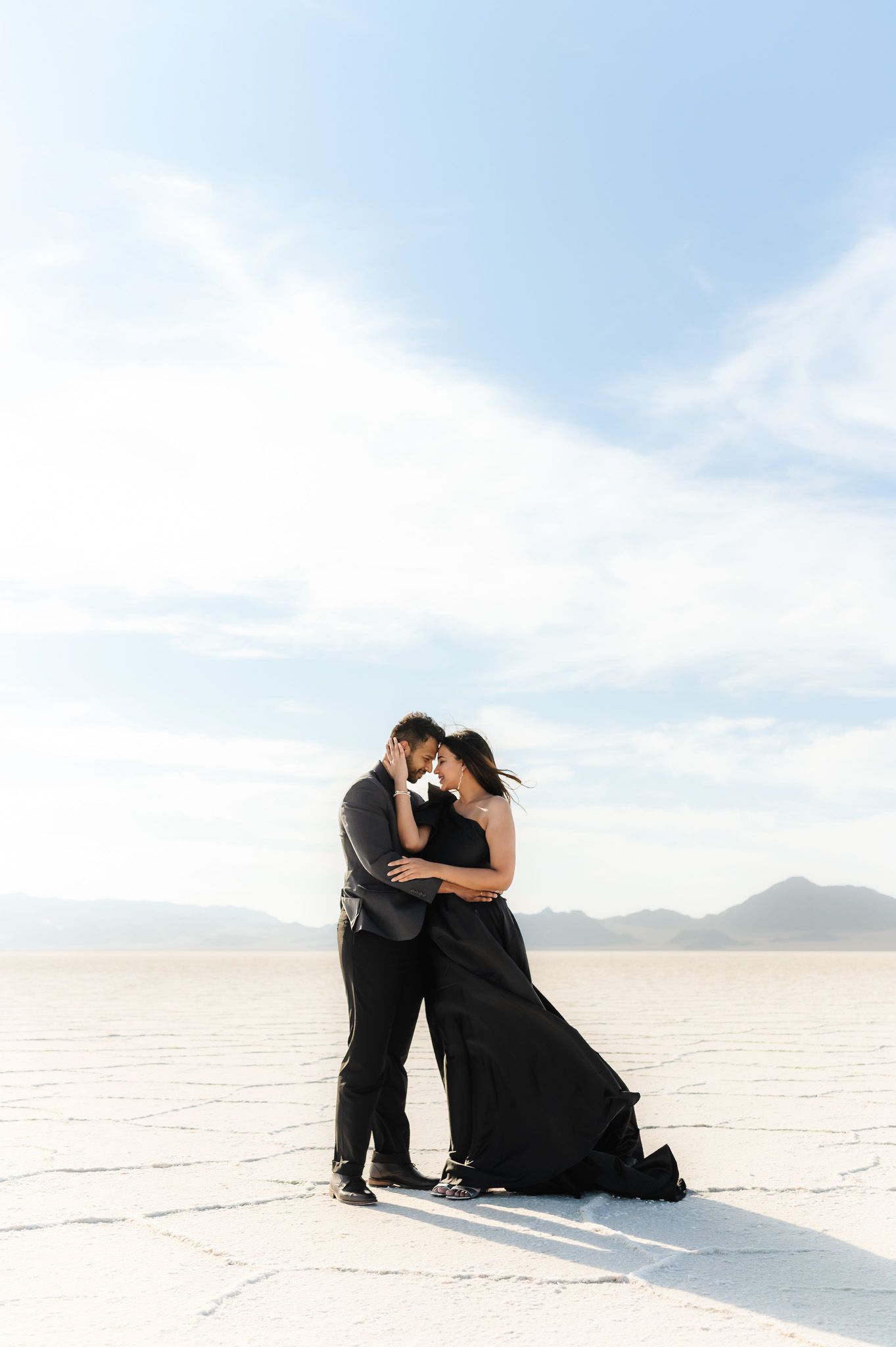
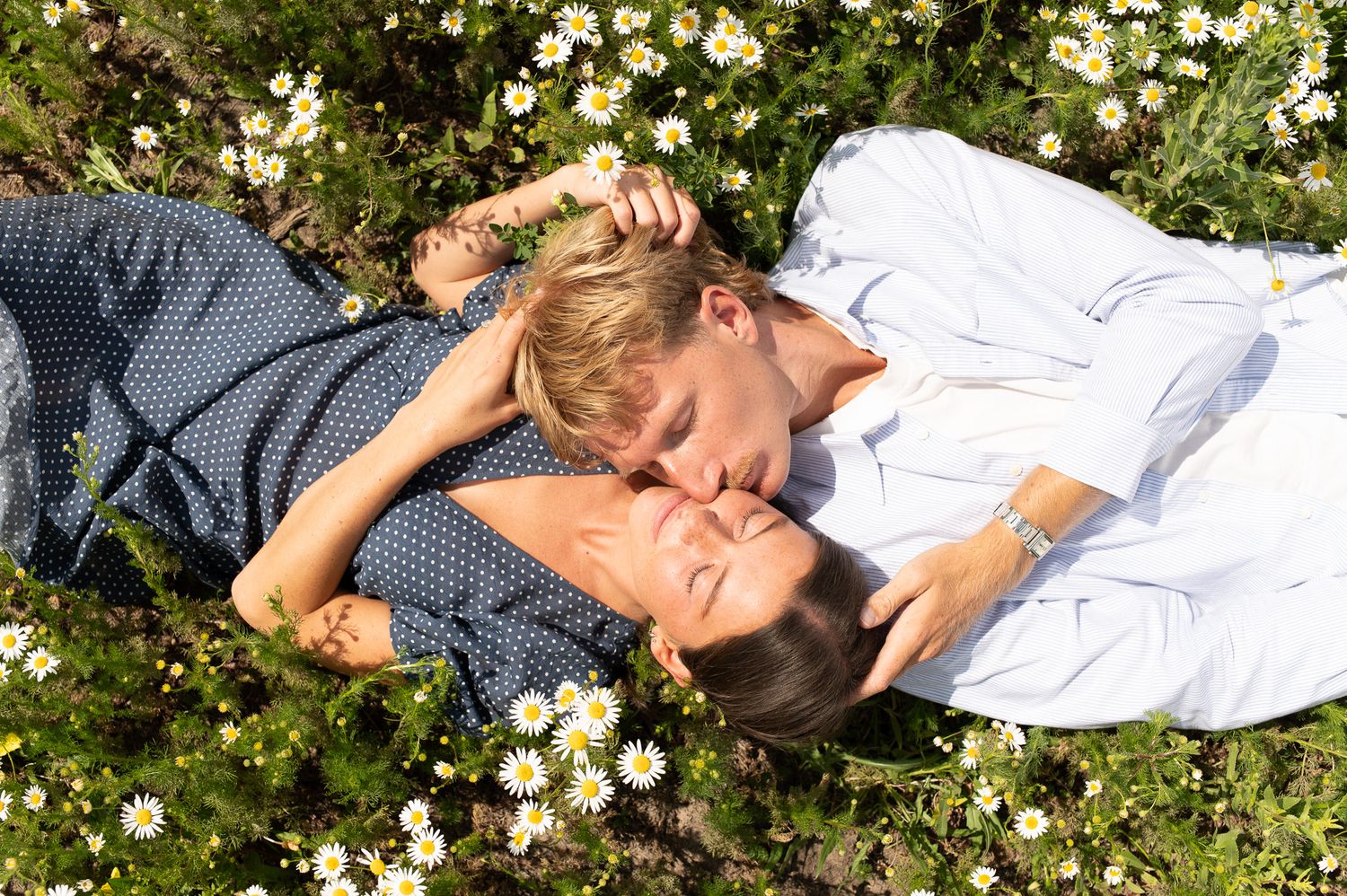



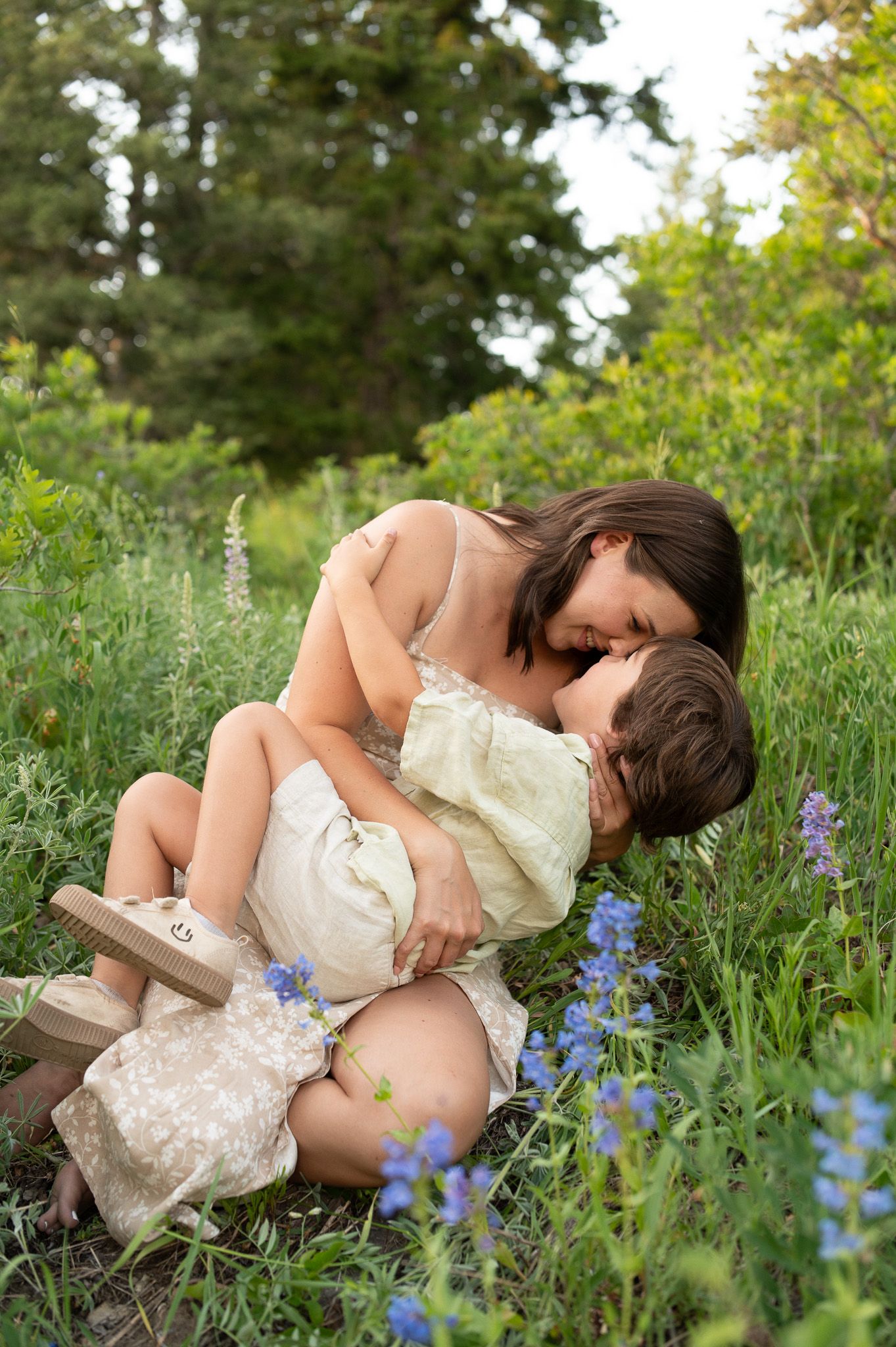
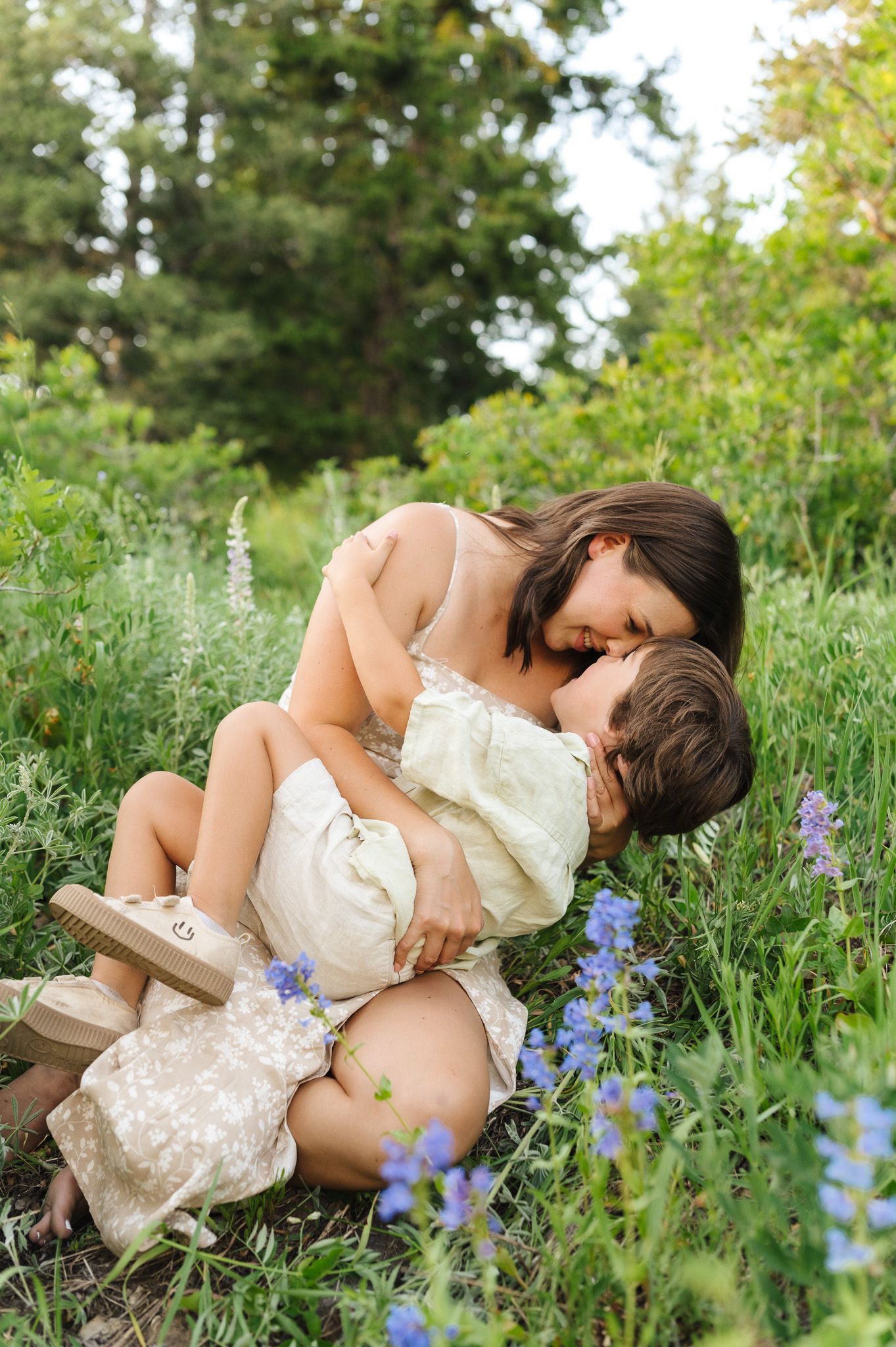
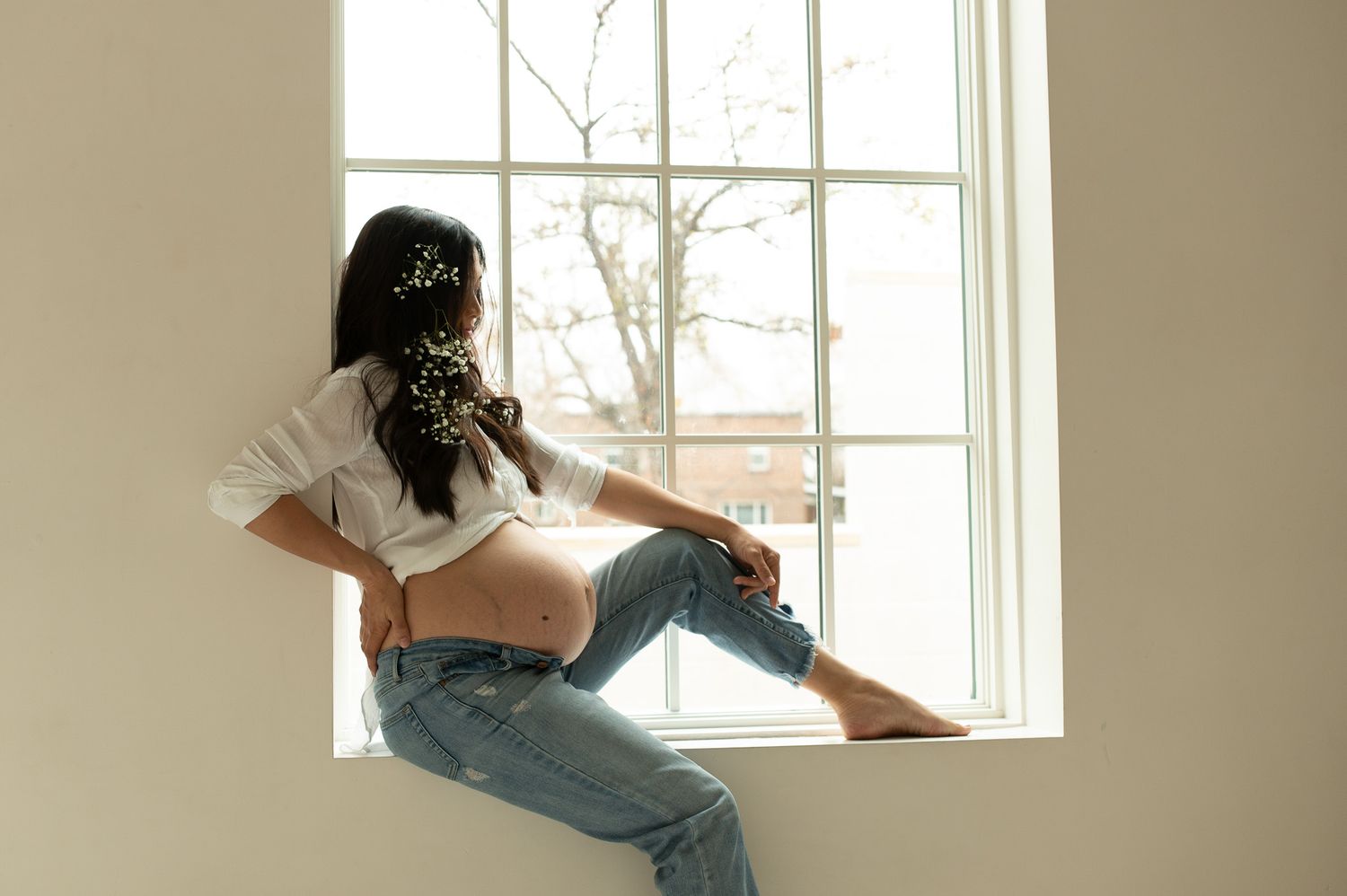


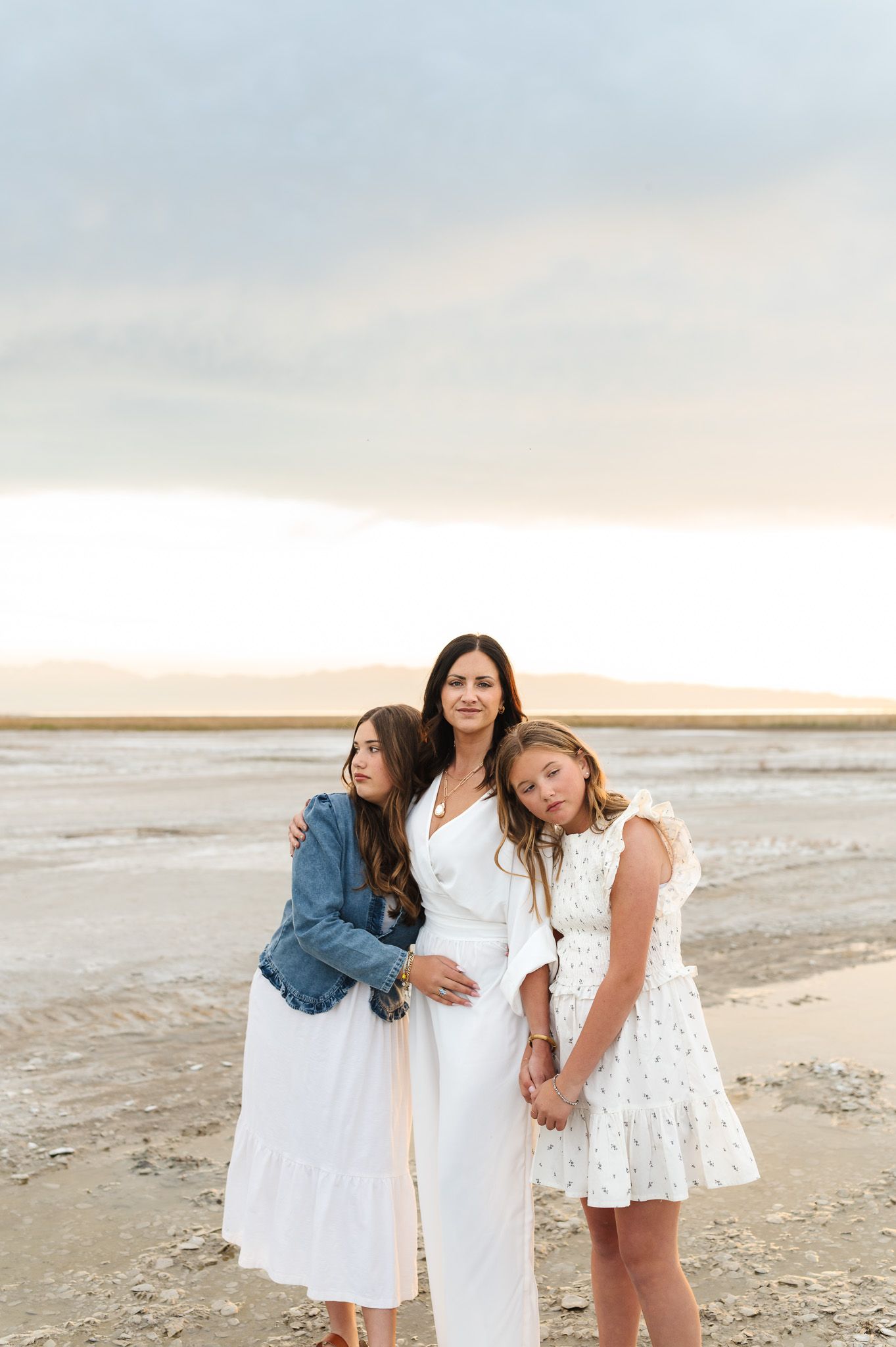
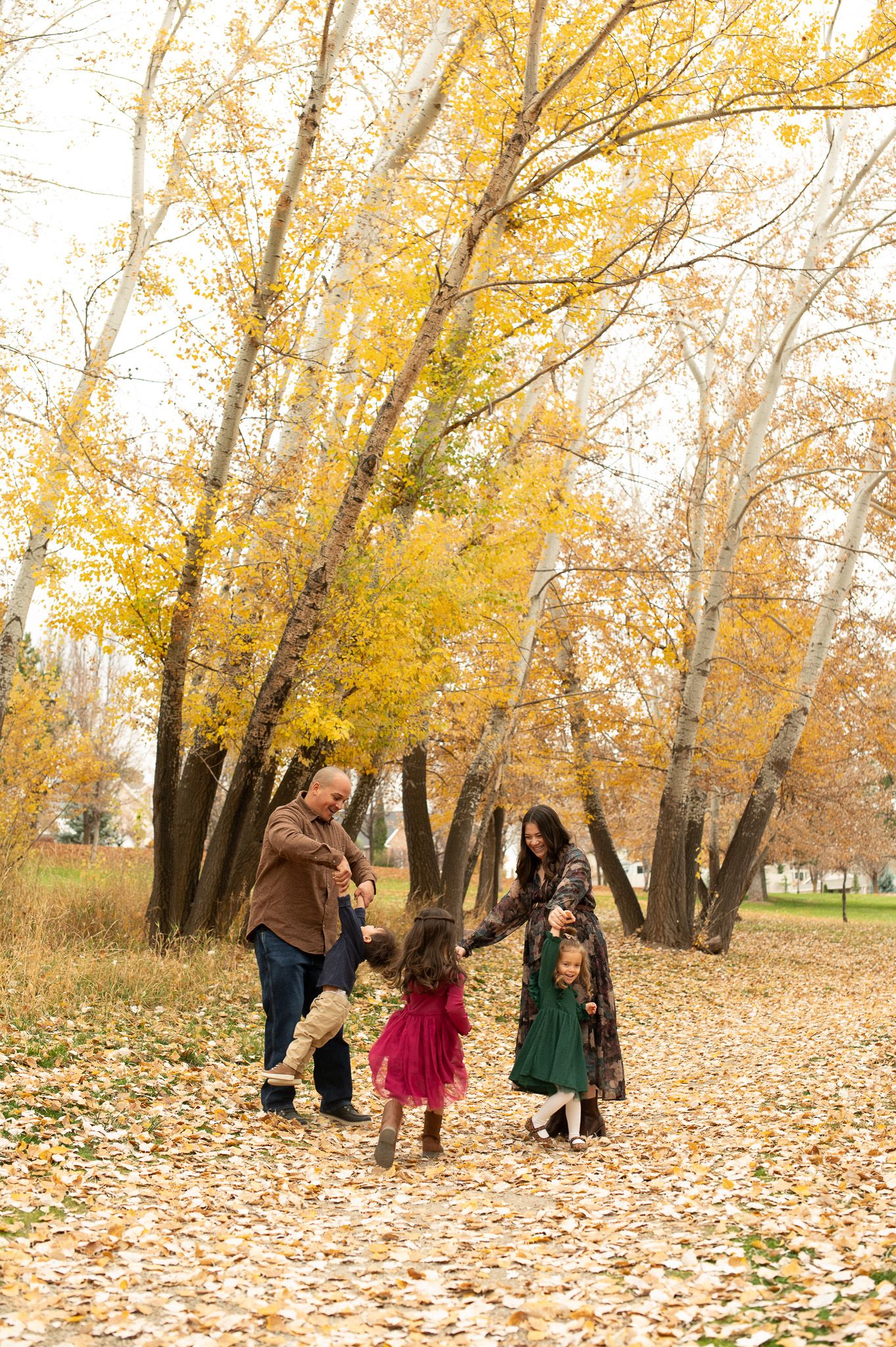
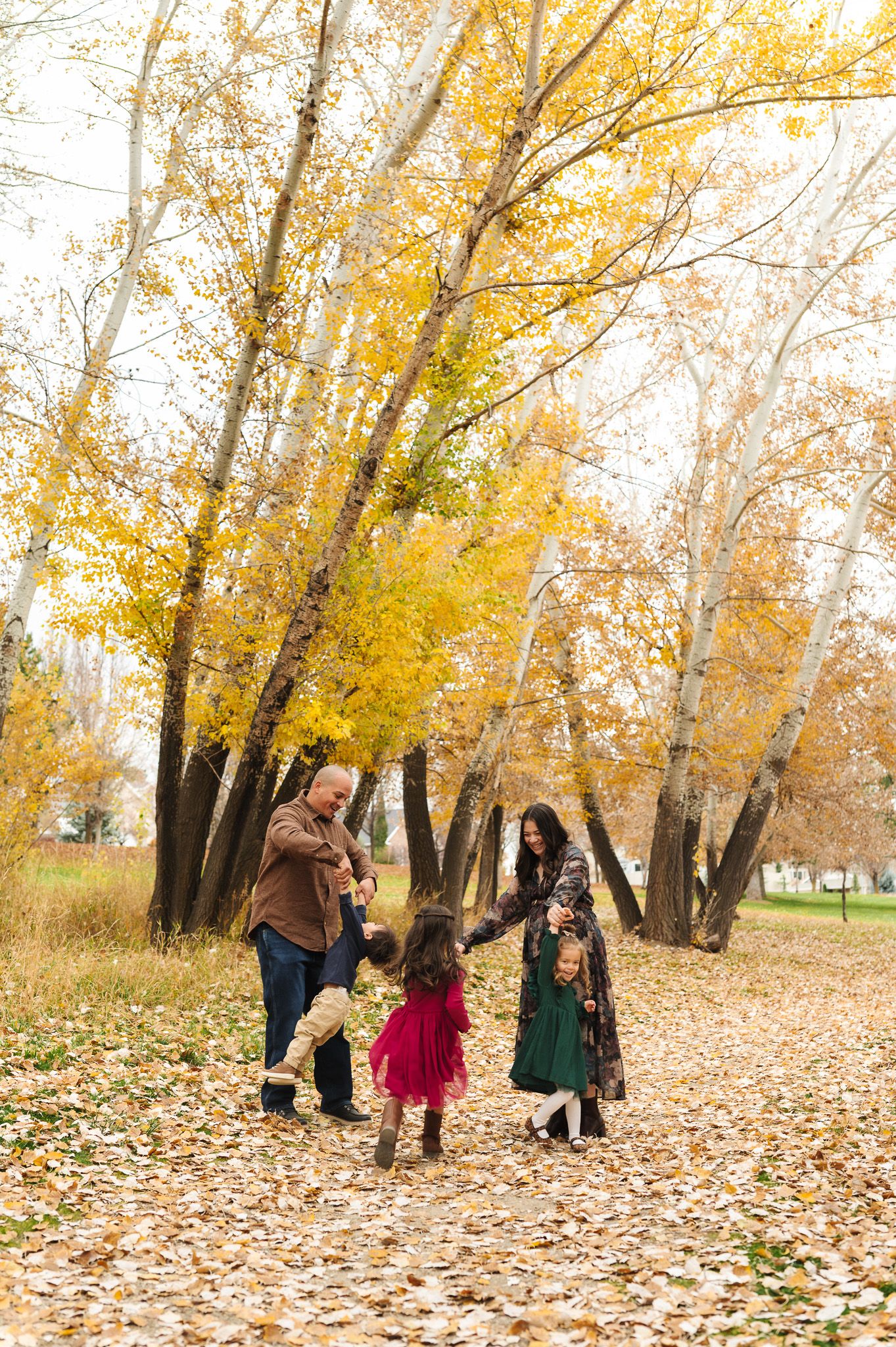
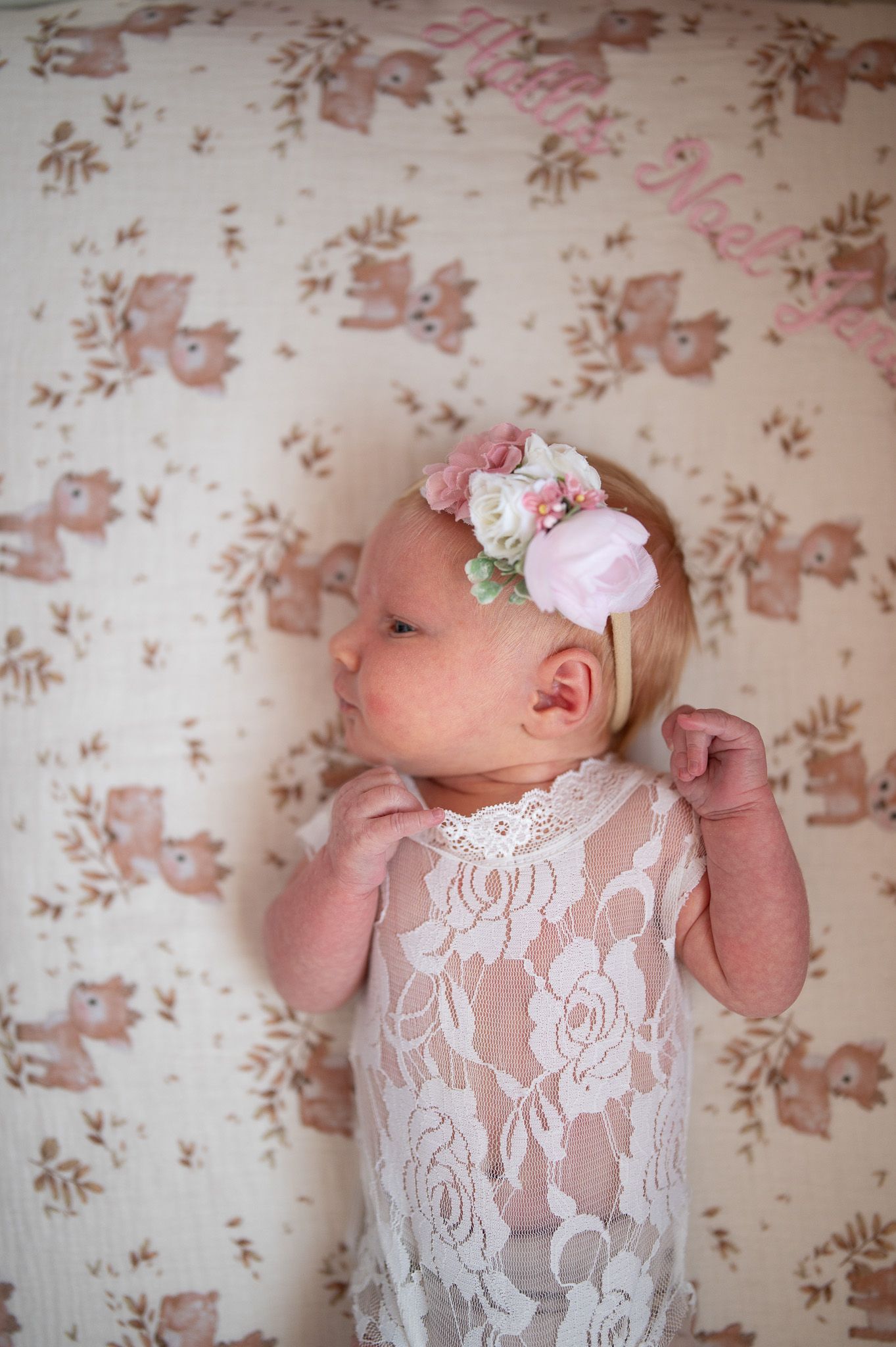
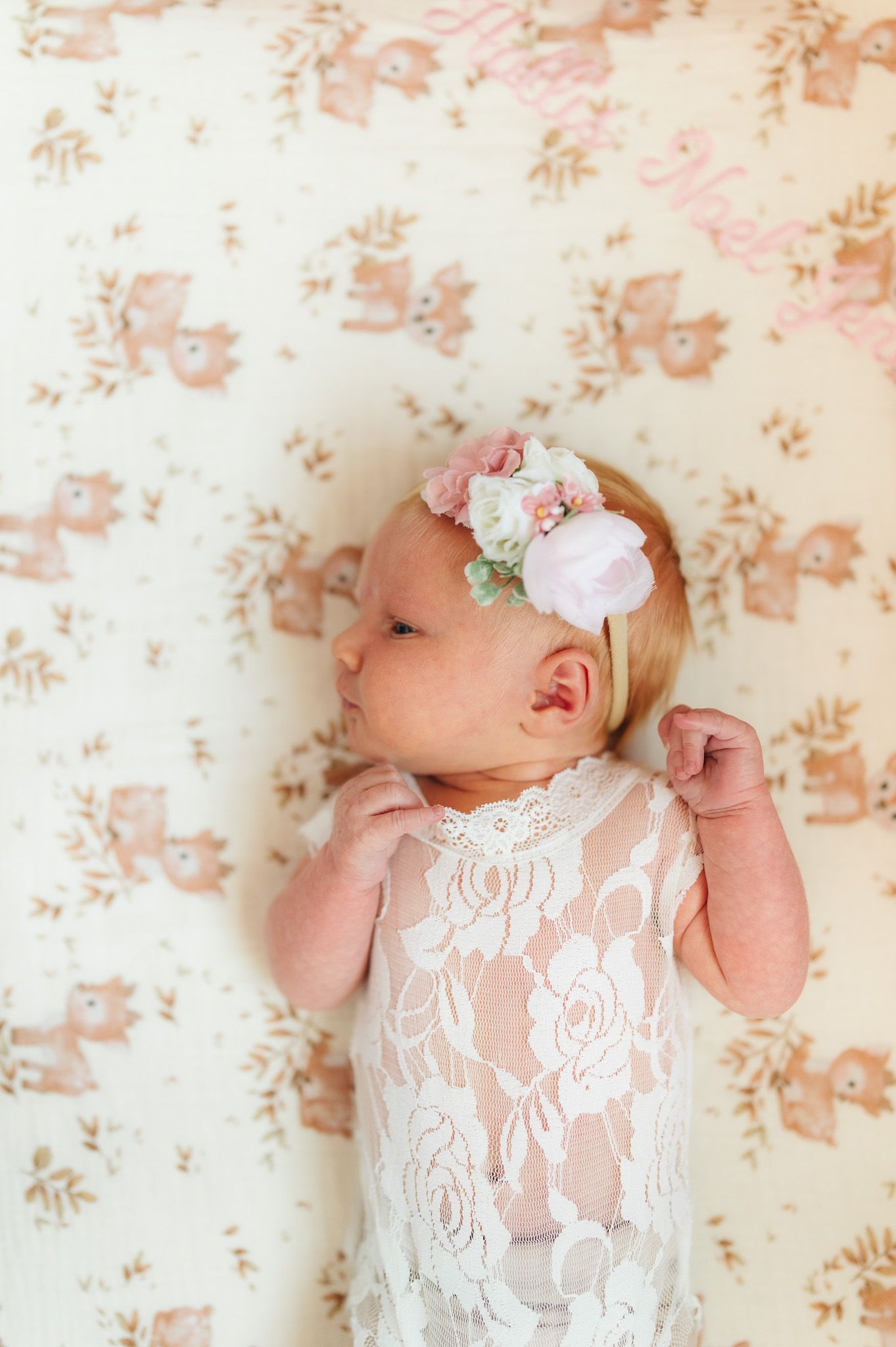
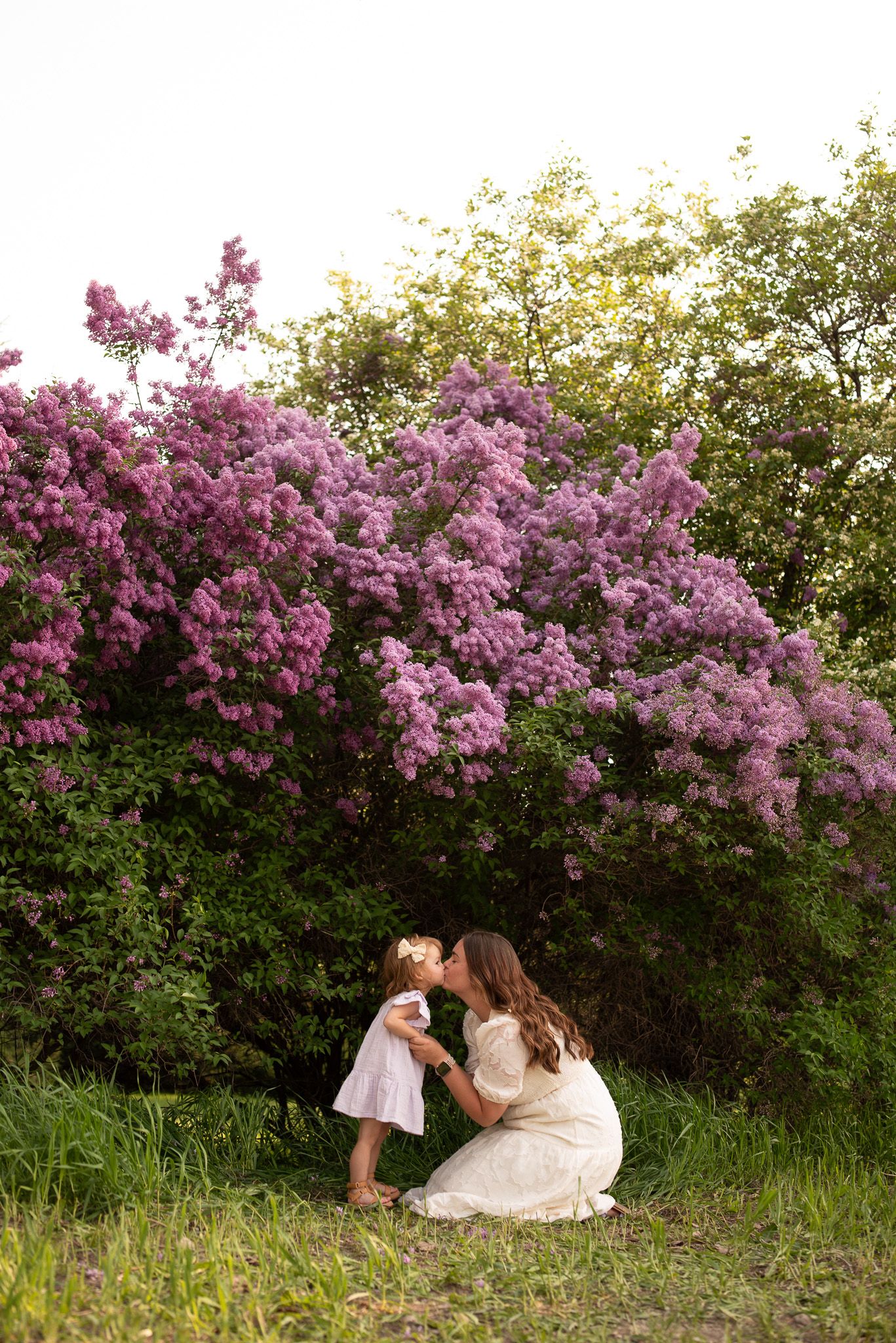
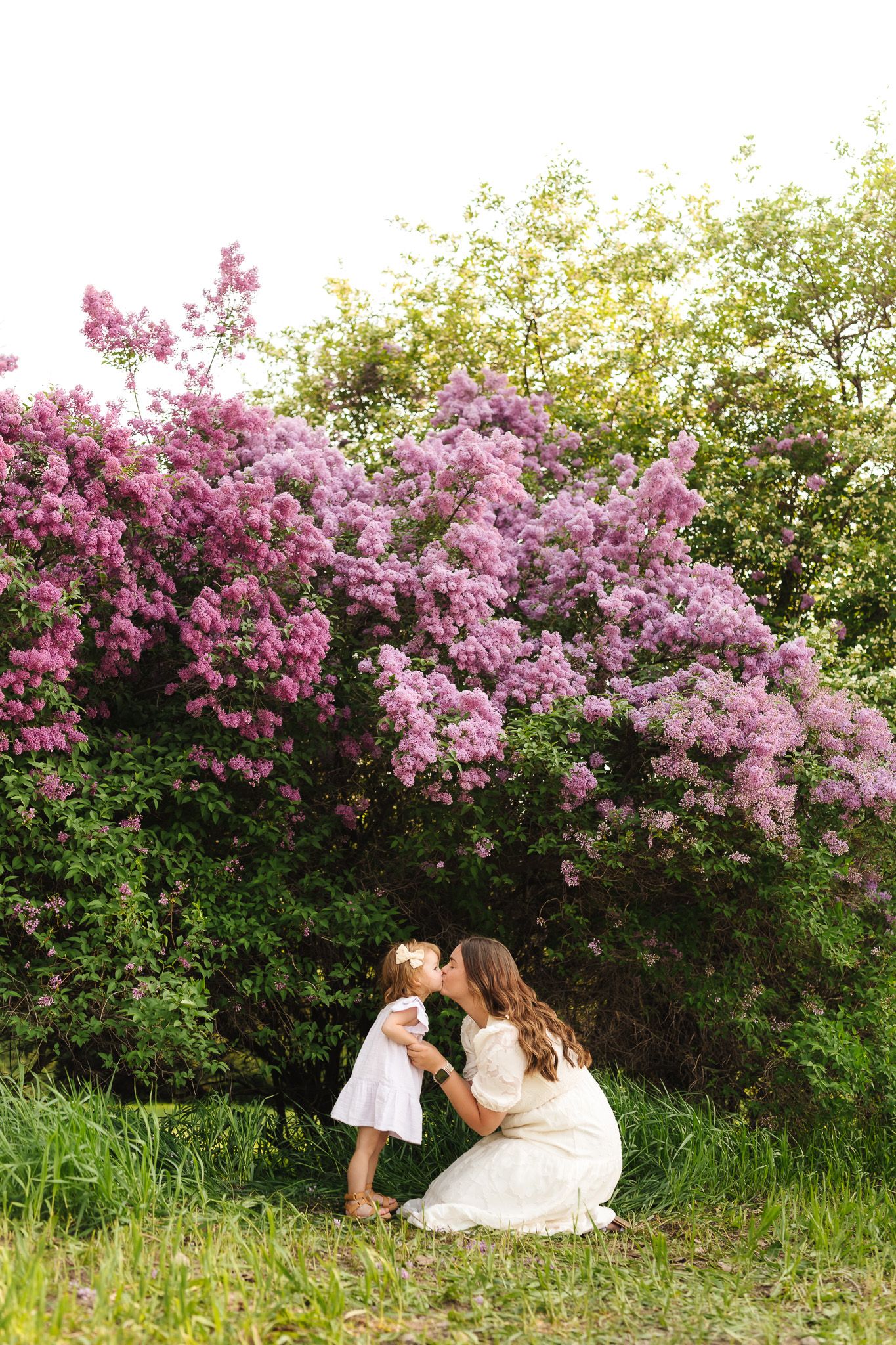


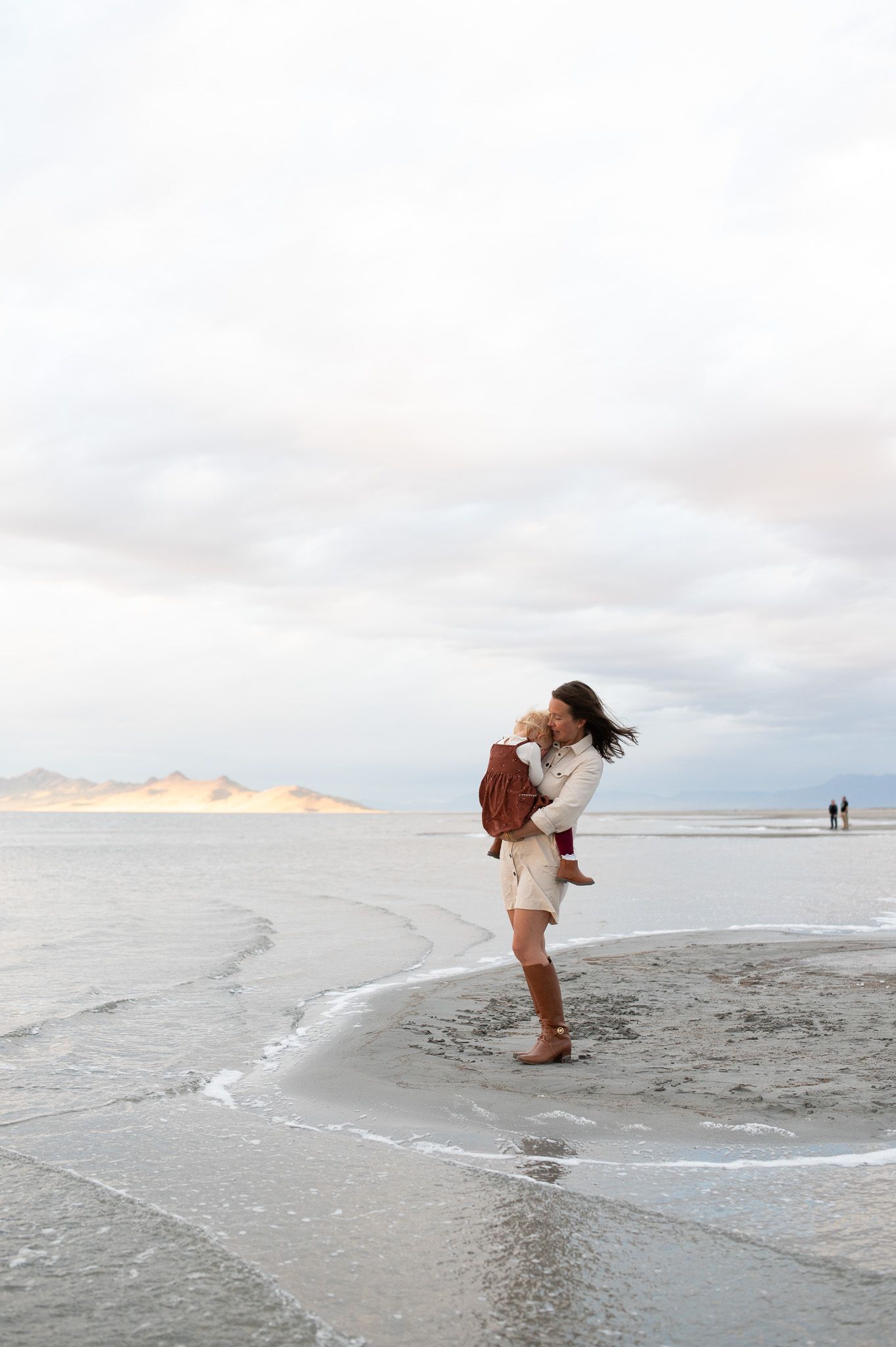
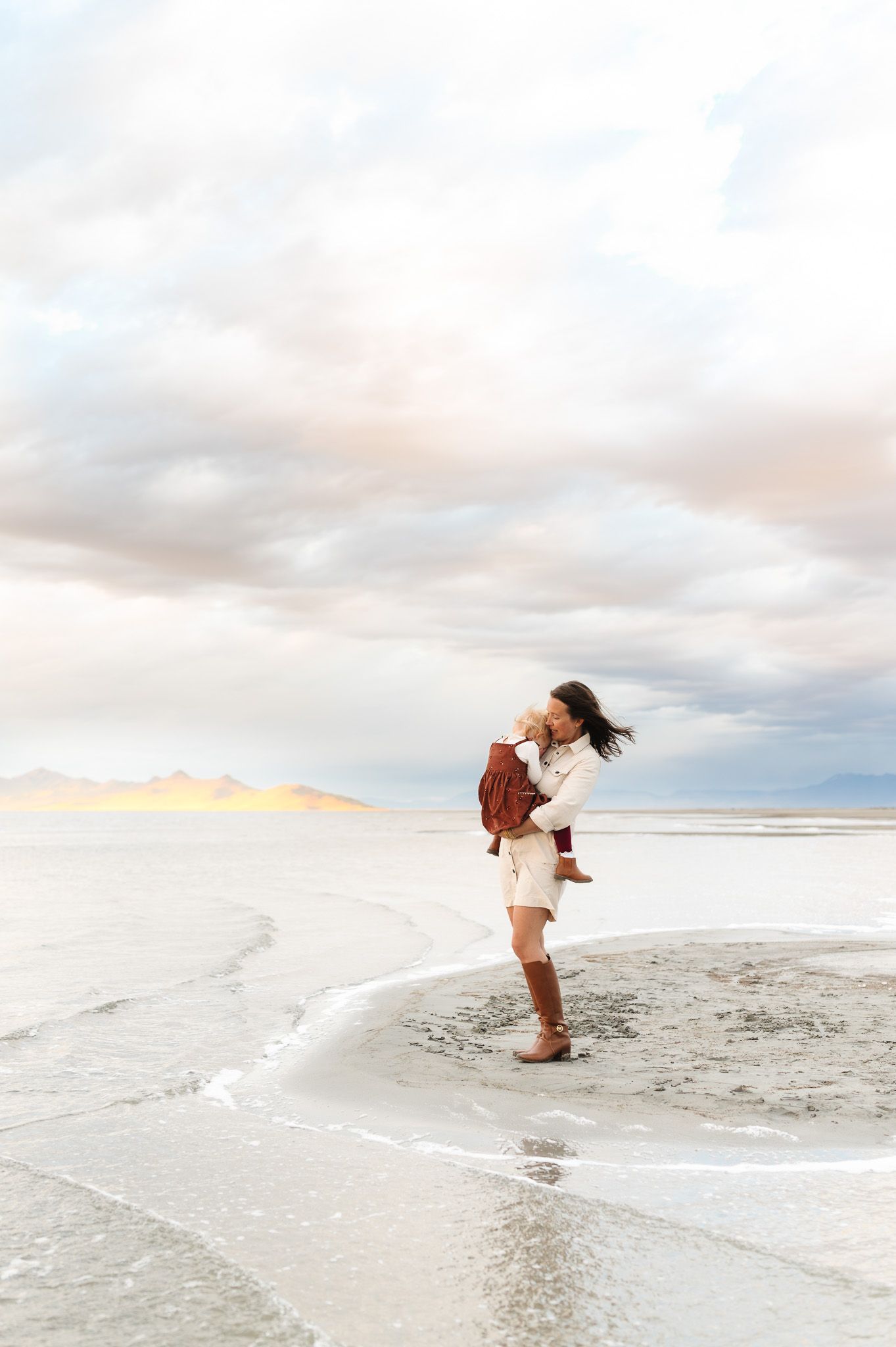
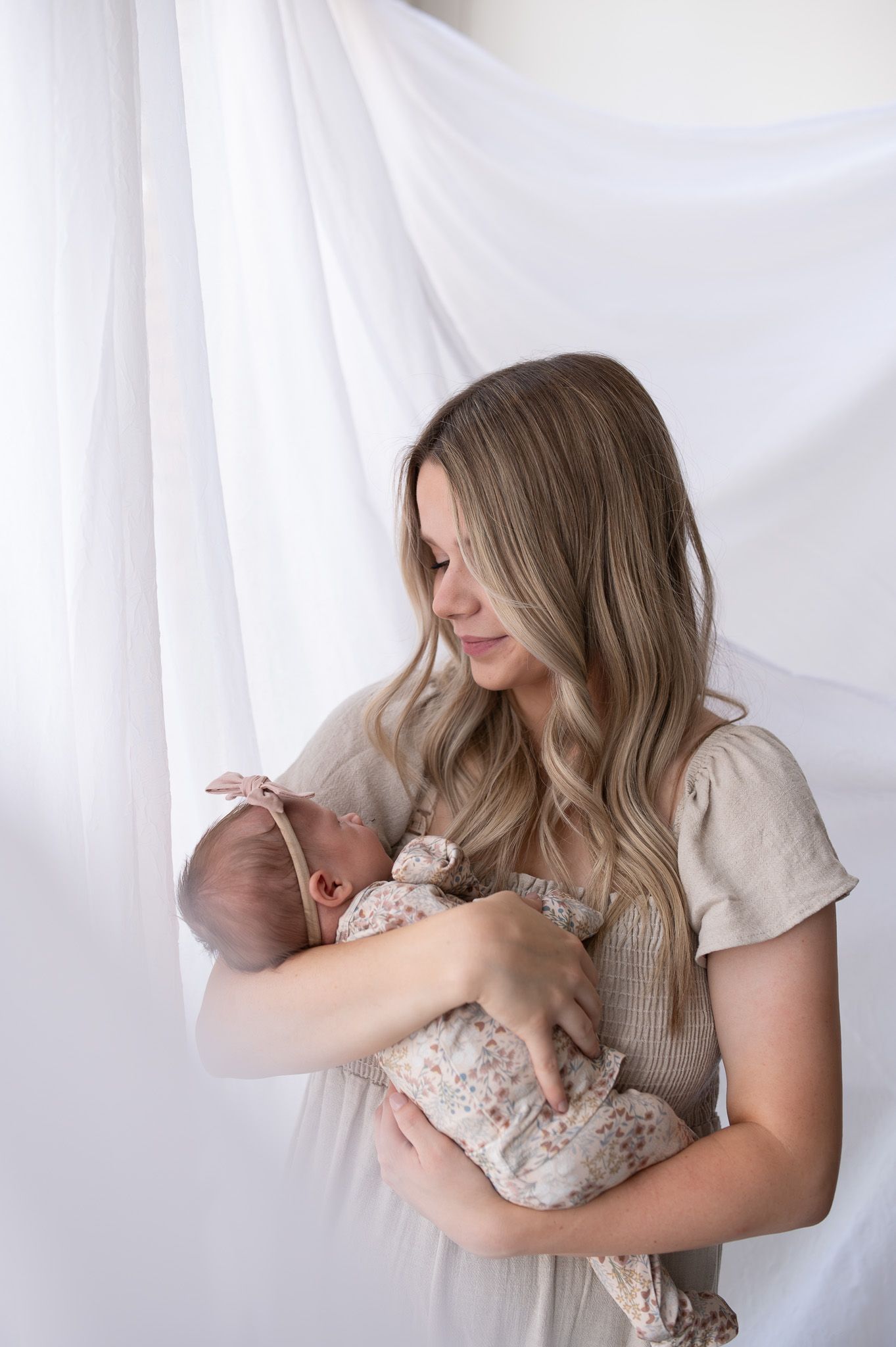
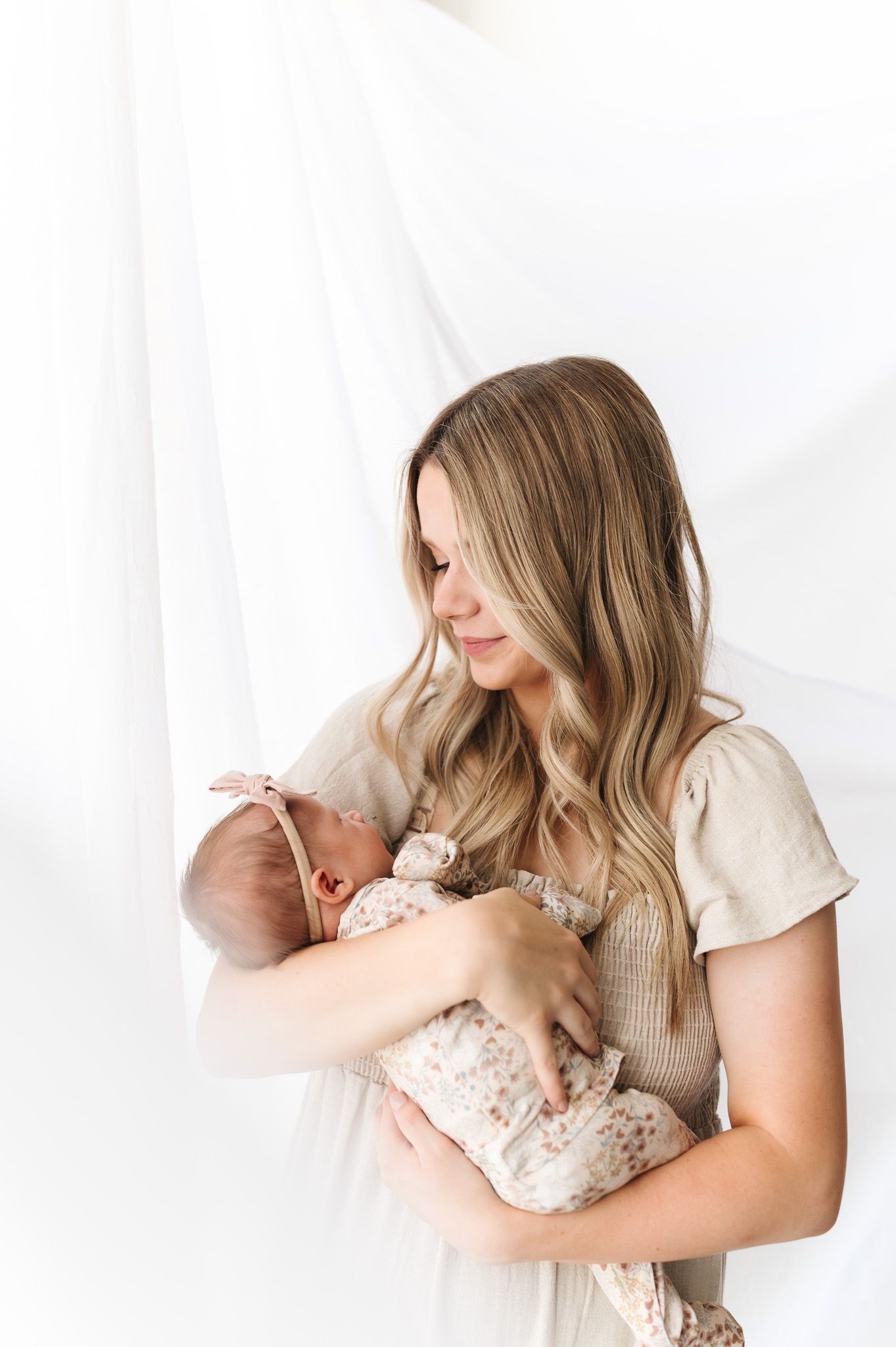
Skin tones can feel complicated, but most of the time it comes down to a few key adjustments and having a consistent starting point.
Once you dial that in, editing becomes so much simpler—and your galleries feel a lot more cohesive.
If you’ve been struggling with this, I hope this helped simplify things a bit.
If you’d like more personalized help with your editing, shooting, or workflow, I offer 1:1 mentorships where we can go deeper into your editing, workflow, and shooting decisions in real time. If you’re interested in a mentorship, you can learn more here.
If you want to go deeper into the editing side of this, I also wrote a post that walks through my Lightroom process in detail: Edit Bright, Clean, True-to Color Photos in Lightroom | Natural Skin Tones & Lighting.
You can also explore my Lightroom presets for photographers if you’re looking for a consistent starting point across different lighting situations.
And if you found this helpful, feel free to save it on Pinterest so you can come back to it later.
